
Create Professional-Quality YouTube Shorts with Your Phone: Try These 10 Simple Tips
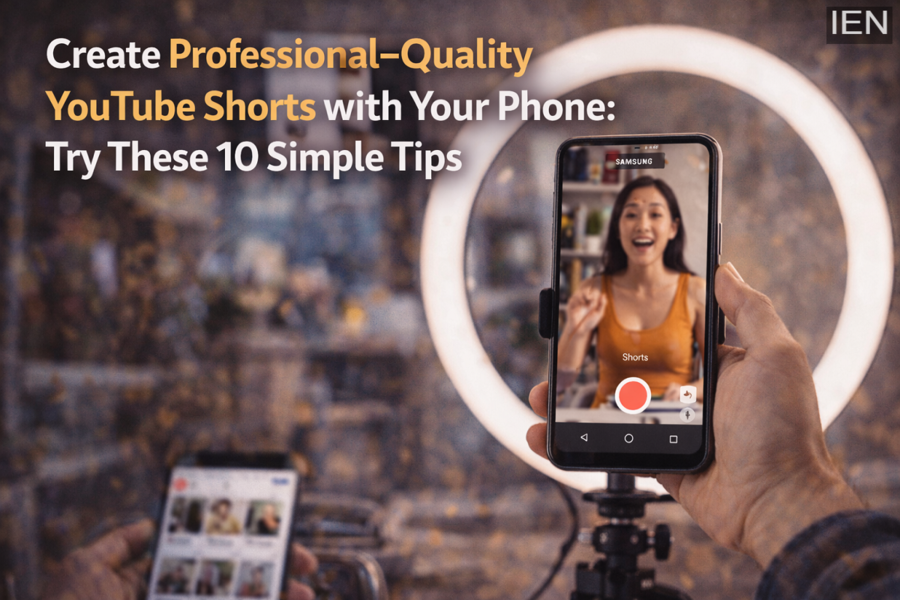
In today’s social media world, YouTube Shorts has become more than just entertainment—it’s a powerful platform for building a career. Millions of creators upload short videos every day using their smartphones. However, only a few videos stand out as truly professional, featuring clear visuals, balanced lighting, smooth motion, and good audio quality.
The good news is that you don’t need a DSLR or expensive equipment to create professional-looking Shorts. With a smartphone, the right settings, and a few smart tricks in shooting and editing, you can produce content that looks polished and engaging.
Here are 10 practical tips that can help take your mobile YouTube Shorts to the next level.
1. Start with the Right Camera Settings
Most smartphones use Auto mode, but for professional-looking Shorts, try using Manual or Pro mode if available.
Important settings to adjust:
-
Frame Rate: Use 60fps for smoother motion.
-
Resolution: 1080p is usually enough, though shooting in 4K gives extra detail for cropping.
-
ISO: Keep it below 400 to avoid grainy footage.
-
Shutter Speed: Ideally double the frame rate (for 60fps use 1/120).
-
Focus Lock: Tap on your subject and lock the focus to prevent the camera from constantly adjusting.
These settings ensure smoother and clearer videos.
2. Lighting Is the Real Game Changer
Lighting plays a huge role in making your video look professional.
Tips for better lighting:
-
Use natural window light whenever possible.
-
Avoid direct sunlight because it can overexpose your face.
-
For indoor shoots, use ring lights or LED panels.
-
Use one light on the subject and another for the background to add depth and dimension.
Good lighting alone can dramatically improve your video quality.
3. Keep the Background Clean and Simple
A cluttered background distracts viewers from the main subject.
To improve composition:
-
Choose a simple and neat background.
-
Avoid messy walls or objects behind you.
-
Follow the Rule of Thirds for better framing.
-
Turn on gridlines in your camera settings to help position the subject properly.
This makes your video visually appealing.
4. Stabilize Your Footage
Shaky footage instantly makes a video look unprofessional.
Ways to stabilize your shots:
-
Use a tripod or smartphone stand.
-
Use a gimbal if you have one.
-
If you don’t have equipment, stack books and place your phone on them.
-
Keep your phone close to your body while moving.
Also enable OIS or EIS stabilization if your phone supports it.
5. Pay Attention to Audio Quality
Many creators focus only on visuals but ignore audio, which is a major mistake.
Better audio options include:
-
Lavalier microphones (like Boya BY-M1).
-
Using earphone microphones as an affordable alternative.
-
Reducing background noise during recording.
You can also remove noise later using editing apps.
6. Edit Your Video Properly
Editing is where your content truly becomes professional.
Some useful mobile editing apps include:
-
CapCut
-
VN Editor
-
LumaFusion
-
Adobe Premiere Rush
Editing tips:
-
Adjust contrast, brightness, and saturation carefully.
-
Sync transitions with music beats for a dynamic feel.
-
Use simple text overlays with clean fonts.
Avoid over-editing that looks unnatural.
7. Set the Correct Frame Ratio
YouTube Shorts requires vertical video.
Before recording:
-
Set your camera ratio to 9:16 (portrait mode).
-
Avoid shooting in 16:9 and cropping later, as it reduces quality and framing.
Always check this setting before you start filming.
8. Use a Strong Hook and Ending
In Shorts, viewers decide within the first 3 seconds whether to keep watching.
Tips for better engagement:
-
Start with an attention-grabbing hook.
-
Ask a question or show something surprising.
-
End with a call to action (CTA) like:
-
“Like if you found this helpful.”
-
“Follow for more tips.”
-
This increases viewer retention.
9. Adjust Important Phone Settings Before Shooting
A few small phone settings can significantly improve your video quality.
Make sure to:
-
Enable HDR Video mode for better color details.
-
Set Video Bitrate to High Quality.
-
Use Cinematic or Log mode if available.
-
Turn on Airplane Mode to avoid notifications interrupting your recording.
These small tweaks make a noticeable difference.
10. Make Your Shorts “Viral-Ready”
Uploading your video properly is just as important as creating it.
Before posting your Short:
-
Use a short and intriguing title.
-
Add relevant hashtags.
-
Create a custom thumbnail using apps like Canva or Snapseed.
-
Upload using a strong Wi-Fi connection for best quality.
This improves your chances of reaching a wider audience.
Conclusion
Creating professional-quality YouTube Shorts is no longer limited to creators with expensive cameras. With a smartphone, the right camera settings, good lighting, stable shots, and proper editing, anyone can produce impressive short videos.
By applying these 10 simple tips, your mobile-shot videos can look polished, cinematic, and engaging—helping you stand out in the highly competitive world of YouTube Shorts. 🎥📱
