
Create designs rapidly even without the internet; Canva has rolled out its new 'Offline' feature..
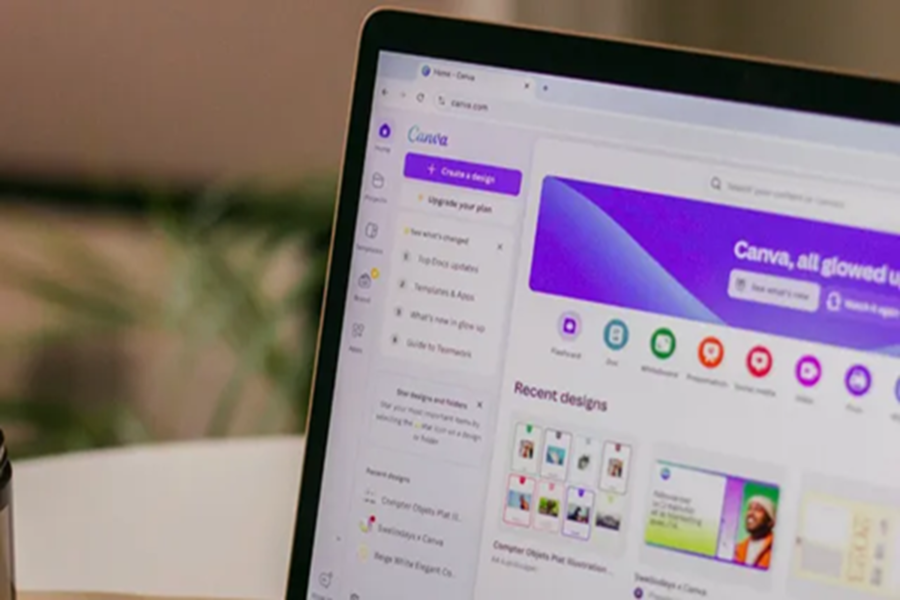
Canva announced the rollout of 'Canva Offline' on Wednesday. This new feature is designed to allow users to continue creating and editing their designs even without internet access. The company stated that it is introducing this capability in response to high demand from its global user community. Offline mode enables users to work on their projects while traveling, commuting, attending classes, or working in areas with poor connectivity. It has been tailored specifically for mobile-first users, students, teachers, entrepreneurs, and professionals.
**Ability to create content offline for up to 14 days**
In a press release, Canva stated that this new feature was developed to ensure connectivity never hinders creativity or productivity. It was first announced earlier this year at the 'Canva Create' event and is now finally being rolled out to users.
The company explained that users can save their designs for offline access. They will be able to continue editing them on supported devices and formats without an active internet connection. Any changes made offline will automatically sync once internet connectivity is restored.
This feature is available to all Canva users at no extra cost. Canva noted that once offline support is enabled, users can create and edit designs for up to 14 days without internet access. To use this feature, users simply need to select the 'Make available offline' option on their design before losing internet access.
Additionally, the company highlighted India as one of its fastest-growing markets and stated that the offline mode was designed with the needs of mobile-first users in mind. Speaking on this rollout, Rob Kawalsky, Canva’s Global Head of Product, said, "Offline mode reflects our commitment to the way India works today—mobile-first, always active, and brimming with ideas."
This rollout follows the recent launch of the 'Canva Connected App' for Google Gemini, which is powered by Canva’s own foundation model. Designs created in Gemini can be edited directly within the Canva editor, allowing teams to refine their work or hand it over to colleagues without starting from scratch. This move also integrates Google’s 'Nano Banana' image generation model into Canva’s 'Magic Layers' feature.
Disclaimer: This content has been sourced and edited from Dainik Jagran. While we have made modifications for clarity and presentation, the original content belongs to its respective authors and website. We do not claim ownership of the content.
