
ChatGPT now offers an improved conversational experience in Hindi, with new 'Neer' and 'Leher' voice options.
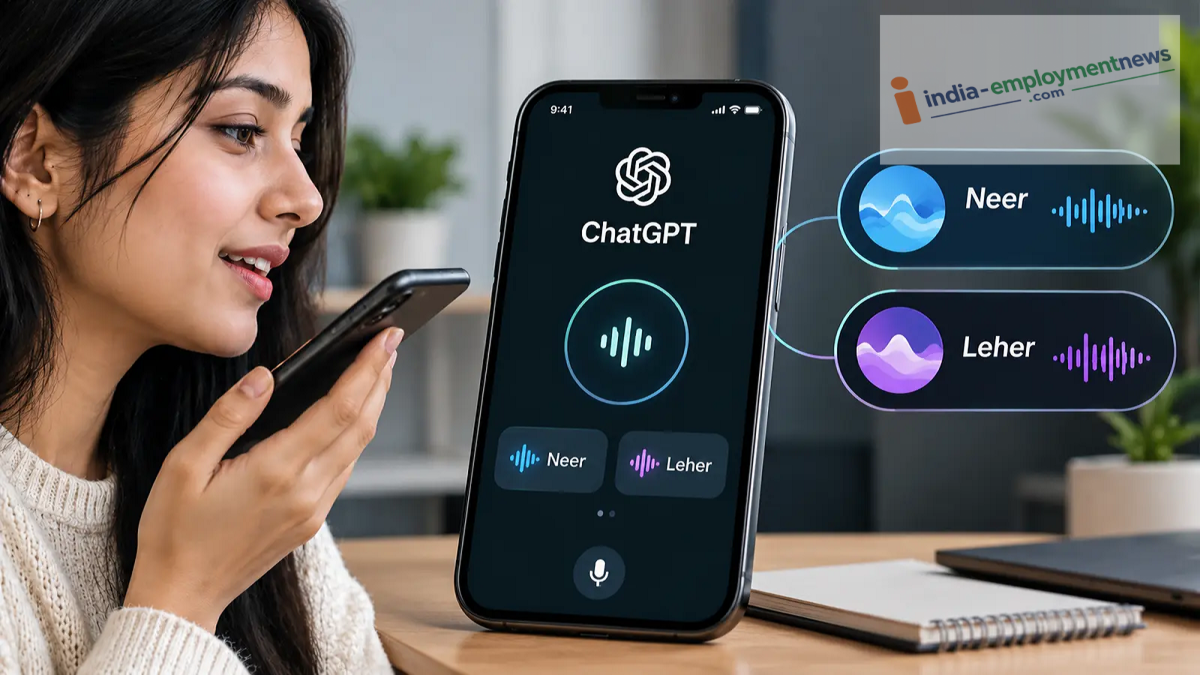
Engage with AI in your own language and enjoy a better experience, thanks to OpenAI’s latest update.
ChatGPT Hindi Voice Update: If you prefer interacting with ChatGPT in Hindi rather than English, there is good news for you. OpenAI has introduced two new Hindi voice options—'Neer' and 'Leher'—to its voice feature. These voices are part of the 'GPT-Live-1.1' update, which aims to make AI conversations feel more natural and improve the pronunciation of various languages. This allows users to enjoy a superior experience when asking questions and receiving responses in their own language.
What’s special about the new Hindi voices on ChatGPT?
On October 15, 2026, OpenAI launched 'GPT-Live-1.1' (along with a lighter version, 'GPT-Live-1.1 Quip') for its voice feature. According to the company, this update focuses on making the pronunciation of several languages—including Hindi—sound more natural. Specifically for Hindi, two new voice options, 'Neer' and 'Leher', have been added.
This means users now have more Hindi voice options when interacting with ChatGPT. Please note that the specific voice experience and available options may vary depending on your account and region.
How can this help with daily tasks?
The Hindi voice feature is particularly beneficial for those who find it challenging to type out questions in English, or for those who simply prefer speaking over typing. For instance, you can ask ChatGPT for information about government schemes, seek assistance with your children’s studies, or request that complex topics be explained in simple, easy-to-understand language.
Furthermore, you can use voice commands for everyday tasks—such as asking for cooking recipes, drafting emails, or planning your daily schedule. Users can ask questions in Hindi and request that ChatGPT respond in Hindi.
It is important to note that a high-quality voice does not guarantee that every response will be accurate. Critical information—such as details regarding government schemes, financial matters, or health—should always be verified through reliable sources.
How can you select the 'Neer' or 'Leher' voices in ChatGPT?
If you would like to use these new Hindi voices in ChatGPT, follow these steps:
Open ChatGPT on your phone or computer.
Go to 'Settings' and select the 'Voice' option.
Choose 'Neer' or 'Leher' from the list of available voices.
Activate 'Voice Mode' to ask questions in Hindi and listen to the responses.
According to OpenAI, the available voices may vary depending on your account and region. Therefore, if you do not see the 'Neer' or 'Leher' options in your ChatGPT, it is possible that the update has not yet reached your account.
Why is the 'GPT-Live-1.1' update significant?
Many people in India use Hindi and other Indian languages in their daily conversations. Being able to interact with AI in one's own language can help make this technology more accessible to a wider audience. With the Hindi voice feature, users also avoid the need to type out every single question.
Alongside this update, OpenAI has released a short film demonstrating the practical use of ChatGPT’s Hindi voice. However, the accuracy with which the AI understands a user can depend on factors such as their speaking style, the specific language used, and the nature of the question.
Overall, the introduction of 'Neer' and 'Leher' marks a new step toward enhancing the Hindi-language voice experience in ChatGPT. It remains to be seen how much value Indian users will derive from this in their day-to-day interactions.
