
ChatGPT and Gemini Users Alert: Fake AI Websites Steal Passwords, OTPs and MFA Codes—Here’s How to Stay Safe
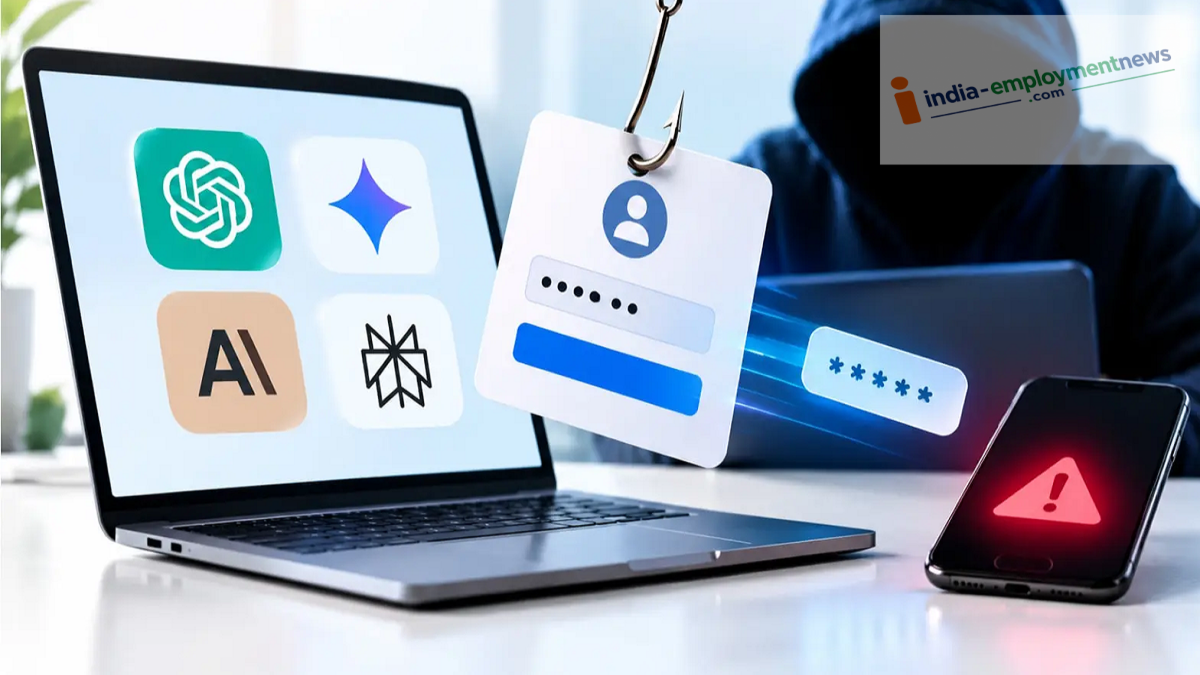
Users of ChatGPT, Gemini, Claude, and Perplexity need to be cautious. A new scam has been uncovered where fake AI websites are used to steal passwords, OTPs, and MFA codes. Learn how this fraud works and discover simple ways to protect yourself.
If you use AI services like ChatGPT, Gemini, Claude, or Perplexity, it is important to exercise caution when logging in. Researchers at Island have revealed a phishing campaign that attempts to steal users’ passwords and MFA codes through fake websites mimicking these AI services. This campaign specifically targets individuals who have access to multiple online advertising accounts.
Fake Websites Displaying Authentic-Looking Login Windows
According to researchers, this is not merely a case of a simple fake login page. Attackers are employing the “Browser-in-the-Browser” (BitB) technique. This involves displaying a login window within the website itself that looks exactly like a genuine Google login pop-up.
Consider this example: Suppose you visit an AI website and see a “Connect with Google” option. You click on it, and a pop-up resembling the Google login screen appears.
This window might even display the Google logo and an address like accounts.google.com. Consequently, anyone might believe they are on the legitimate Google login page.
In reality, however, this login window may have been created within the fake website itself. In other words, while it looks like a Google login interface, the entire page behind it could be a forgery.
If a user enters their email and password here, that information could go directly to the attackers.
Verification Codes May Also Be Requested After the Password
The fraud doesn’t end there. According to researchers, after entering the password, attackers may also request verification methods such as SMS verification codes, authenticator codes, Google approval prompts, QR codes, or Okta push notifications.
To put it simply, MFA (Multi-Factor Authentication) is an additional security check performed after the password stage. Its purpose is to ensure that the person attempting to log in is the legitimate user.
However, this campaign does not directly bypass MFA security. Instead, it attempts to trick users into completing the verification process by presenting them with a fake login page.
This is why simply having MFA enabled is not enough; it is crucial to verify exactly which website or login window you are using to enter your password and verification code.
Not just ChatGPT and Gemini—Claude and Perplexity are also targets
Researchers discovered that this campaign involved not only websites imitating ChatGPT and Gemini but also fake sites created in the names of AI services like Claude and Perplexity.
Furthermore, the phishing scheme includes fake login and authentication processes designed for platforms such as Google, Meta, TikTok, and Okta.
This makes it clear that attackers are not targeting users of a single AI service; the same technique is being employed to harvest login credentials for various types of accounts.
Fraud via fake recruitment and refund pages
This campaign extends beyond AI service logins; researchers have also identified associated fake recruitment and refund pages.
During the investigation, some of the attackers’ source code was discovered in public GitHub repositories. Researchers were able to trace the operation back to March.
Additionally, hundreds of victim submissions were found in a Telegram control channel. However, this does not necessarily mean that all these individuals’ accounts were successfully compromised.
Who is being targeted in this scam?
According to Island, this campaign specifically targets agency employees, media buyers, and administrators. This is because these individuals may have access to the advertising accounts of various companies or clients.
Such accounts are highly valuable to cybercriminals, as they can be used to run advertisements in the name of other individuals or companies.
What is an Ad Account?
When a company runs advertisements for its products on platforms like Google or Meta, the process is managed through an advertising account.
This account contains details regarding advertisements, budgets, campaigns, and other essential information. If such an account falls into the hands of cybercriminals, it can be misused.
According to reports, stolen advertising accounts can be used to run fraudulent ads or may even be sold to other cybercriminals.
Why should regular users also be cautious?
Although this campaign specifically targets individuals with access to advertising accounts, understanding the modus operandi is important for regular users as well.
Imagine you attempt to log in using your Google account on a fake AI-powered website. You enter your password without verifying the domain and subsequently enter the verification code in the same window.
In such a scenario, there is a risk that your login credentials could be stolen.
Therefore, do not assume you are safe simply because you have MFA (Multi-Factor Authentication) enabled. MFA provides an extra layer of security only when you perform the verification on a legitimate website or app.
How to Spot a Fake Login Window
Be cautious if the login window opens within the website itself and cannot be dragged or resized.
The most important step is to check the browser's actual address bar. A fake login window might display an address like "accounts.google.com," while the browser's main address bar shows a completely different website's URL.
This discrepancy helps distinguish between a fake and a genuine login window.
How to Avoid This Scam?
Always use the official website or app when logging into services like ChatGPT, Gemini, or any other AI platform.
Do not immediately trust buttons like "Connect with Google" found on unfamiliar websites. Even if you see the Google logo or an address like "accounts.google.com," do not enter your password without verifying the URL.
If the login window appears to have opened in an unusual manner within the website, avoid entering your password or verification code.
