
Change Your Name, Address, and Mobile Number on Your Aadhaar Card in a Snap—Check Out the Step-by-Step Process..
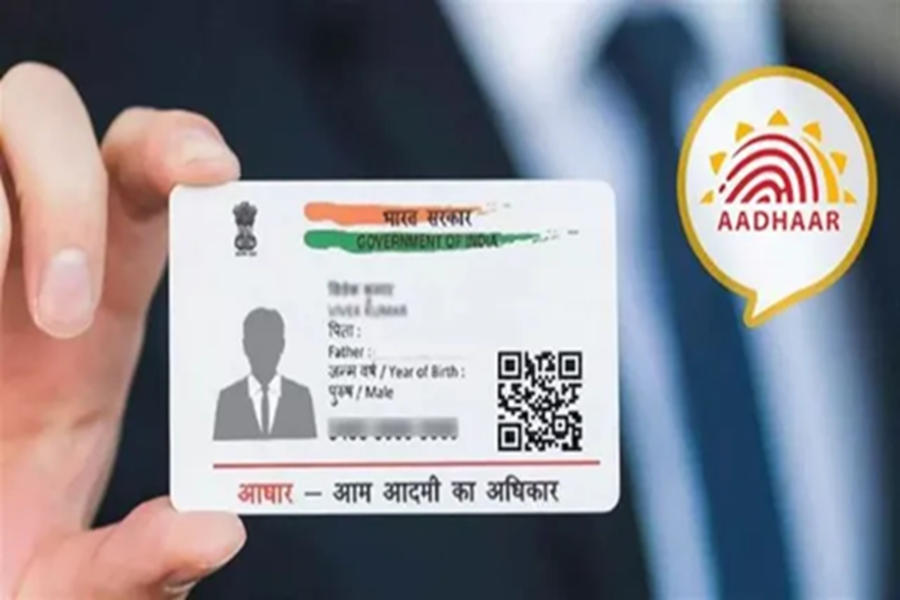
Aadhaar App Update: The Aadhaar card is not merely a document; it has become inextricably linked to our identity. No essential task can be completed without an Aadhaar card. With the advent of the Aadhaar app, making updates related to your Aadhaar has become significantly easier. If you need to modify any details on your Aadhaar card, you can do so effortlessly using the Aadhaar app. Let's explore how you can update various details within your Aadhaar profile using the app.
How to Change Your Name in the Aadhaar App?
If you do not currently have the Aadhaar app, you can download it from the Play Store. Once downloaded, register and log in to the application.
Step 1: First, you will need to log in using your Aadhaar number and a One-Time Password (OTP).
Step 2: Now, click on the "Update Aadhaar Online" option.
Step 3: Here, click on the "Name" option.
Step 4: Now, enter all the details and upload the documents requested from you.
Step 5: Finally, pay the applicable update fee and submit the form.
How to Change Your Mobile Number in the Aadhaar App?
Step 1: To change your mobile number, you will again need to navigate to the "Update Aadhaar Online" option.
Step 2: Now, complete the verification process using either a face scan or an OTP.
Step 3: Once the verification is complete, you will need to enter your new mobile number. Additionally, if any other details are requested, please fill them in as well.
Step 4: Finally, pay the required fee and submit the form.
How to Change Your Address in the Aadhaar App?
Step 1: For this process as well, first navigate to the "Update Address Online" option.
Step 2: Here, you will find the option to change your address; click on it.
Step 3: Subsequently, submit all the documents that are requested.
Step 4: Once you have provided the documents and details, pay the required fee.
You can also check the status of all these updates directly through the app.
Disclaimer: This content has been sourced and edited from Dainik Jagran. While we have made modifications for clarity and presentation, the original content belongs to its respective authors and website. We do not claim ownership of the content.
