
Bring any photo to life! Use ChatGPT to create animations of blinking eyes and smiling faces..
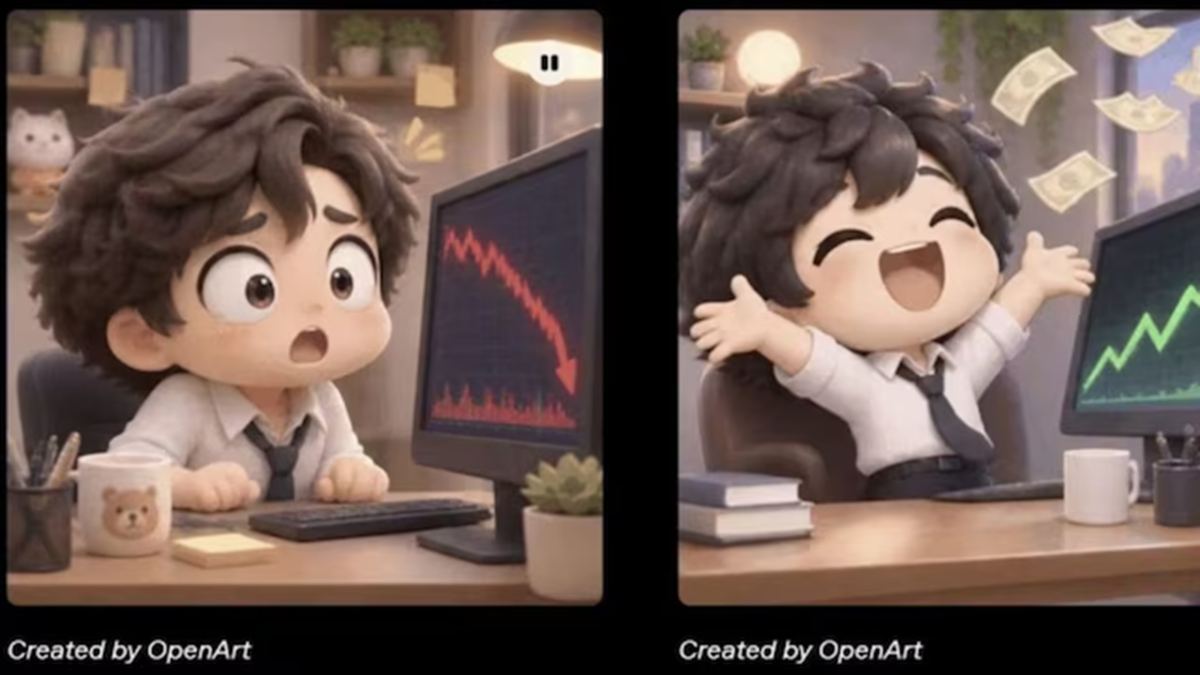
You no longer need separate animation tools to turn a photo or a simple drawing into an animated GIF. With the 'Images 2.6' update for ChatGPT, OpenAI has introduced a feature that allows users to create GIFs. Using this, you can generate short animated GIFs from your own photos, hand-drawn sketches, or even just by providing a text prompt.
This feature was launched on November 4th. Users can specify the type of movement they want to see in the image—for example, making a person in a photo blink, smile, or wave their hand. Even if you don’t have an image, you can still create a GIF by describing your animation idea in a text prompt.
The 'Images 2.6' update also brings improvements to image generation speed and editing controls. The GIF creation feature takes this a step further, enabling the creation of reaction GIFs, birthday wishes, festive greetings, animated portraits, and product animations.
Users can customize the animation by specifying the type of movement, duration, and number of frames. You can also set the GIF to play in a continuous loop. Once a GIF is generated, you can provide additional prompts to make further adjustments.
How to create an animated GIF using ChatGPT 'Images 2.6'?
To create a GIF in ChatGPT, you can either upload a photo or simply describe your idea using text. Here’s how:
Open ChatGPT on your phone or computer.
Start a new chat and access the image generation feature.
Upload the photo, sketch, or drawing you wish to animate. (Note: Uploading an image is not required if you are creating a GIF from a text prompt.)
In your prompt, describe the specific movement you would like to see in the image.
Clearly state that you want the output to be an animated GIF. You can also specify details such as the duration, number of frames, and looping preferences. Submit your prompt and wait for the GIF to be generated.
View the finished animation. If you’d like changes, provide a new prompt to edit it.
If you are happy with the result, save the GIF.
Try these 5 prompts on ChatGPT to create GIFs:
Animated Portrait
"Show the person in this photo blinking, smiling, and nodding their head slightly. Keep the face, clothing, and background exactly as they are. Create a 5-second looping GIF."
Birthday GIF
"Create a birthday GIF featuring flickering candles on a cake, balloons floating in the air, and falling confetti. Include the text 'Happy Birthday' in the center."
Pet Animation
"Show my pet naturally nodding its head, wagging its tail, and blinking. Maintain its original appearance and create a 5-second GIF."
Diwali Greeting
"Create a Diwali GIF featuring glowing *diyas* (lamps), floating lights, and the text 'Happy Diwali.' Ensure the animation loops."
Animate a Sketch
"Convert this hand-drawn character into an animation. Have it wave its hand, blink, and smile. Preserve the original style of the drawing."
Tips for creating better GIFs
The clearer the information you provide to ChatGPT, the closer the resulting GIF will be to your expectations. Instead of simply asking to animate a photo, specify exactly what movements you want and how long they should last.
When creating a GIF from a photo, instruct the AI to keep the face, clothing, and background consistent. Also, rather than requesting too many movements at once, opt for a few simple ones; this helps maintain a consistent look throughout the animation.
Disclaimer: This content has been sourced and edited from News18 Hindi. While we have made modifications for clarity and presentation, the original content belongs to its respective authors and website. We do not claim ownership of the content.
