
Bored of using ChatGPT? Here's how to delete your account. It's easy!
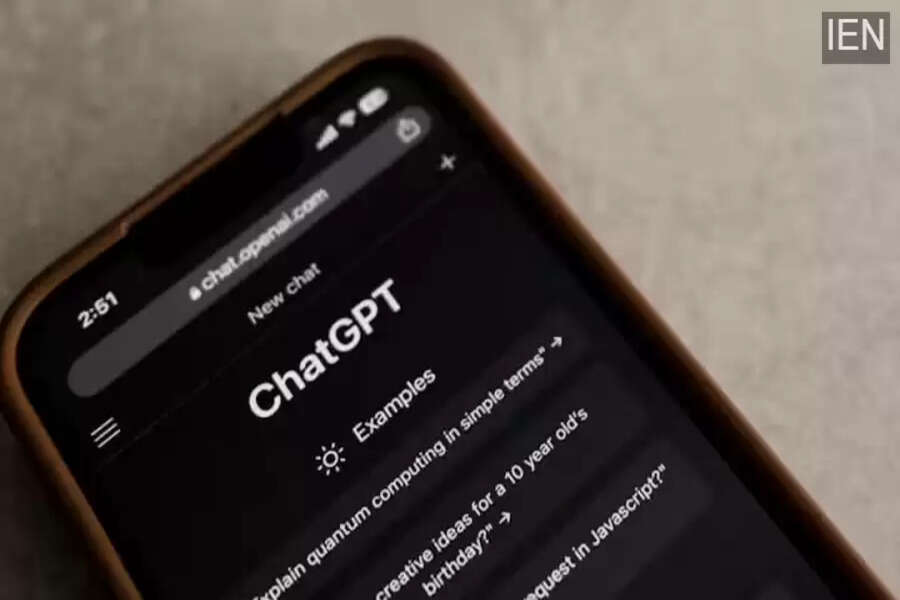
If you're bored with ChatGPT or have become too dependent on it and want to take a break, you can easily delete your account.
AI chatbots have become a part of our lives. It's rare to find a day when people don't use them. Chatbots not only work quickly but also make tasks easier. OpenAI's ChatGPT is the most widely used chatbot in the world, with millions of people using it every day. However, many people want to stop using it due to data privacy concerns or simply because they're bored. If you're one of them, we'll tell you how to delete your ChatGPT account.
How to Delete Your Account
If you've become dependent on AI chatbots for everything, it's not a good sign. Also, if you feel you're spending too much time on the chatbot, you need to take a step back. You can take a break and adjust your routine. If you use ChatGPT on a desktop, deleting your account is very easy.
How to Delete Your Account on Desktop
Open ChatGPT in any browser on your laptop or desktop. Then log in to your account. After logging in, you will see your profile in the bottom left corner. Click on it and go to Settings. After opening Settings, you will see the Account option. After clicking on it, when you scroll down, the Delete Account option will appear. You can delete your account by clicking on it.
How to Delete on a Smartphone?
Open ChatGPT on your mobile phone and tap on the two horizontal lines in the top left corner. After that, you will see several options like New Chat, Images, and Previous Conversations. At the bottom, you will see your profile. Tap on it to open Data Controls. In the data controls section, you will see the option to delete your OpenAI account. Tapping on this will permanently delete your account.
