
Beware! Hackers are stealing passwords—learn about the 'security shield' known as MFA that will keep your money safe..
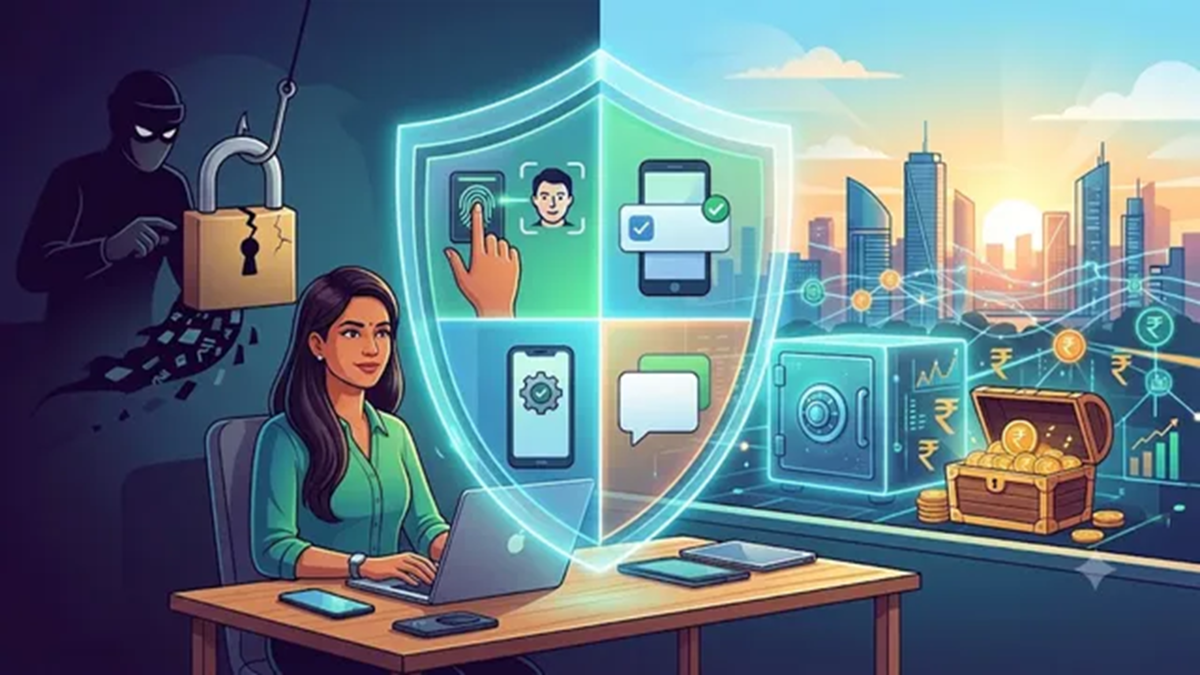
While mobile banking, e-commerce, UPI, and online investments have brought greater speed and convenience, they have also expanded the digital footprint of every Indian. This has contributed to an increased risk of cybercrime and the frequent reports of digital fraud. According to the Ministry of Home Affairs, cybercrimes have seen a 24 percent increase, resulting in a financial loss of ₹22,495 crore. Of particular concern is the fact that even the educated, employed, and seemingly aware segments of the population are falling victim to these scammers. Imagine waking up one morning to discover that someone has gained access to your email, social media, or bank account—even though you were confident that you had created a strong password and had never shared it with anyone. The real question is: how did a cybercriminal manage to steal your password—perhaps through a phishing email or a data breach? This remains one of the greatest challenges in cybersecurity today. In short, a single password is no longer sufficient to keep your digital accounts secure; you must combine awareness and vigilance with modern technical security measures.
Modern Cybersecurity Measures:
Today, fraud often occurs in real time, and the methods used by scammers are constantly evolving—happening so rapidly that the awareness of the average person often struggles to keep pace. However, by adopting certain security habits, you can create a defensive barrier that makes it difficult for scammers to succeed. One such measure is 'Multi-Factor Authentication' (MFA). With this, your security is no longer limited to just a password. Even if a scammer manages to obtain your password, they would still need to complete an additional identity verification step to access your account—a hurdle that is virtually impossible for them to overcome. Driven by the need for robust security, Multi-Factor Authentication (MFA) has become an essential component of digital protection—ranging from online banking to corporate networks. At the start of the current financial year, the RBI mandated the use of at least two independent authentication factors for digital payments; this means that for transactions involving cards, digital wallets, or UPI, an additional layer of authentication—beyond just a PIN or an OTP—is now required.
How does Multi-Factor Authentication work?
It is a technical security measure that requires a user to provide two or more distinct forms of evidence to verify their identity before gaining access to an account, system, or application. This might involve combining a password or PIN with biometric verification, such as a fingerprint scan or facial recognition.
How does this technology provide security?
Suppose a cybercriminal steals your password through phishing, malware, or a database breach. When they attempt to log into your account, they will be prompted for an additional security or biometric factor; if they cannot provide this, access is automatically denied. However, this is not a foolproof security solution. It is most effective when combined with strong passwords, regular software updates, access controls, continuous monitoring, and user awareness.
Understanding Authentication vs. Authorization
Authentication verifies who you are. Authorization determines what you are permitted to access once your identity has been verified. For instance, logging in confirms your identity, while being granted permission to view payroll records is an example of authorization.
Common methods of Multi-Factor Authentication
SMS and Email Codes: The system sends a one-time code to your phone via text message or to your email address. To complete the login process, you must enter this code alongside your password. This is the most widely used method of MFA, but it is the least secure, as SMS messages can be intercepted via SIM swapping, and email accounts can also be hacked.
Authenticator Apps: Apps like Microsoft Authenticator or Google Authenticator generate time-based one-time passwords (TOTPs) that refresh every 30 to 60 seconds. Since these codes are generated locally on your device and are never transmitted over the network, they are significantly harder to hack or intercept compared to codes sent via SMS.
Push Notifications: When you attempt to log in, a notification is sent to your phone, prompting you to either approve or deny the request with a single tap. This method is both convenient and secure. To enhance security, some modern systems require the user to enter a number—displayed on the login screen—into the notification, ensuring that the two inputs match.
Passkeys: This represents a major shift in authentication. Passkeys replace traditional passwords by utilizing public-key cryptography. Your device stores a 'private key' (secured via biometrics or a PIN), while the website stores only the corresponding 'public key.' This approach eliminates passwords that could be stolen through phishing, codes that could be intercepted, and credentials that could be reused.
Strengthening Your Account Security
Enable multi-factor authentication (MFA) for critical accounts, especially email and administrator accounts.
Whenever possible, use phishing-resistant authentication methods (such as passkeys).
Never approve an unrecognized login prompt, and never share your verification codes with anyone.
Use a unique password for every account and consider employing a password manager.
Regularly review your active account sessions. You should remove account access from lost or unknown devices.
You should also have alternative recovery methods in place, so that your account does not become permanently locked if a device is lost.
Disclaimer: This content has been sourced and edited from Dainik Jagran. While we have made modifications for clarity and presentation, the original content belongs to its respective authors and website. We do not claim ownership of the content.
