
Ayushman Card: Complete your e-KYC from home using your mobile—otherwise, you might face difficulties in availing free medical treatment.
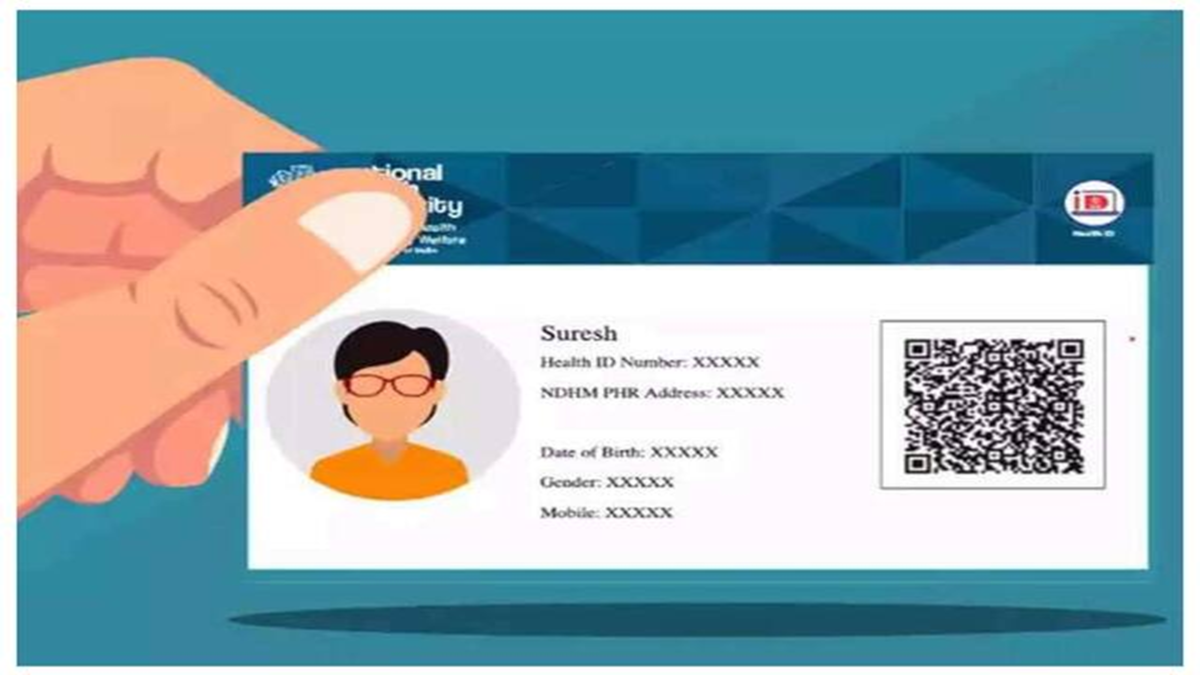
Under the Central Government’s Ayushman Bharat Pradhan Mantri Jan Arogya Yojana, eligible families receive cashless medical treatment coverage of up to ₹5 lakh annually. To avail of the benefits of this scheme, it is crucial that the details recorded on the Ayushman card are accurate. If details such as your name, date of birth, or gender have changed—as reflected in your Aadhaar card—it is essential to update the information on your Ayushman card as well. Beneficiaries can complete this process through the 'e-KYC' procedure via the Ayushman App.
When is e-KYC required?
If your Ayushman card contains outdated information, the photograph is unclear, or the e-KYC process remains incomplete, you must re-verify your details. This helps confirm the identity of the beneficiary and ensures that the necessary updates are made to the records. Please note that the requirement for e-KYC and the available verification options may vary depending on the beneficiary's existing records.
How to complete verification via the Ayushman App?
To complete the e-KYC process using your mobile phone, first install the Ayushman App. If you intend to use face authentication, you will also need to install the 'Aadhaar FaceRD' app. Then, follow the steps outlined below:
Open the Ayushman App, log in, and select the 'Beneficiary' mode.
Enter your mobile number and complete the login process using the OTP received.
Select your state, the scheme, and your district to search for the beneficiary's details.
Enter your Aadhaar number or ration card number for identification.
Locate the relevant individual's name in the list of family members and select the 'e-KYC' or 'Redo e-KYC' option.
Verify your identity using one of the available methods: Aadhaar OTP, face authentication, or fingerprint.
Provide the requested information, capture a live photograph if prompted, and submit the details.
Finally, click 'Submit' to lodge your request. The time required for the review and approval of your application may vary. Once the status is updated, the option to download the card will become available in the app.
What happens if e-KYC is not completed?
If there is any discrepancy in a beneficiary's identity or records, issues may arise during eligibility verification at the hospital. This could affect the process for availing cashless treatment. However, it is not the case that a beneficiary's card or access to treatment is automatically terminated simply because e-KYC has not been completed. Therefore, please check your status in the app before taking any further action. If necessary, you may call the Ayushman Bharat helpline at 14555 to obtain accurate information.
Disclaimer: This content has been sourced and edited from Dainik Jagran. While we have made modifications for clarity and presentation, the original content belongs to its respective authors and website. We do not claim ownership of the content.
