
Are games and photo apps tracking your location? Here’s how to disable location permissions in 2 minutes..
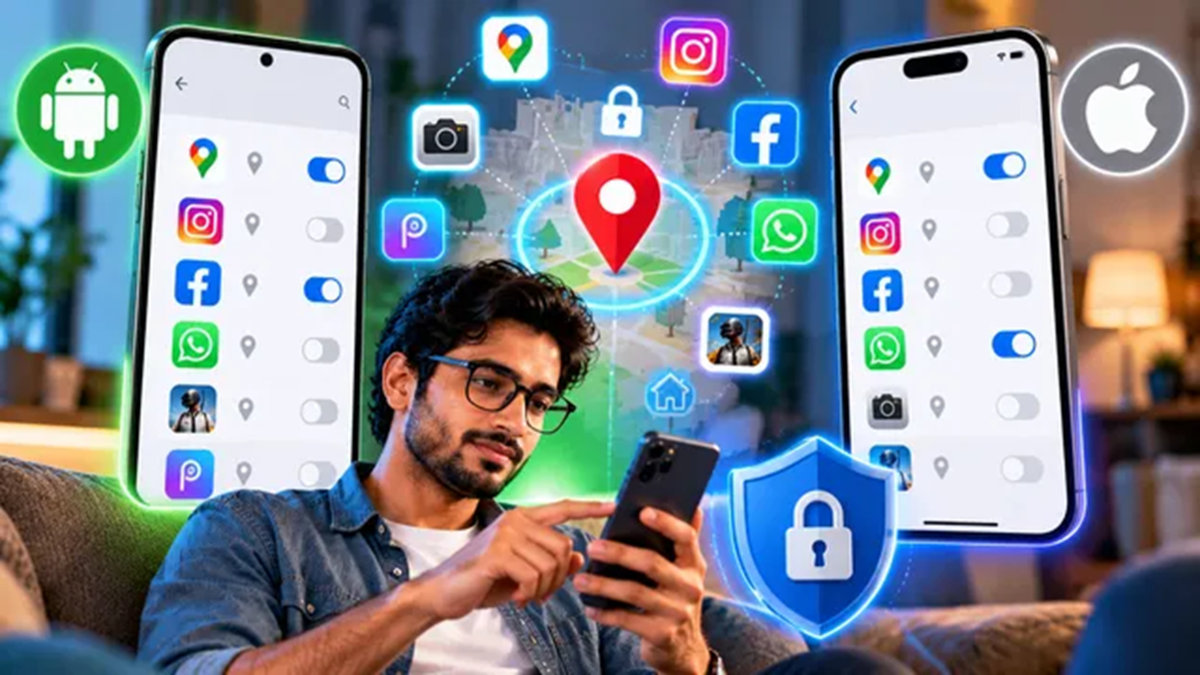
Most of us tap 'Allow' without much thought when an app requests access to our location. While it makes sense for an app like Google Maps to know your whereabouts, a photo-editing app or a game has absolutely no need for this information. If you have granted location access to various apps over time, it is worth checking which ones are still using it. You can revoke this access without uninstalling the apps, and the process is quite straightforward on both Android and iPhone.
How to disable location tracking for apps on Android?
Open 'Settings' on your Android phone and go to 'Location'.
Tap on 'App location permissions'. You will see a list of apps that have been granted permission to access your location.
Find the app for which you no longer wish to share your location and tap on it.
You will see several options here. To completely disable location access, select 'Don't allow'. If you want the app to access your location only while you are actively using it, choose 'Allow only while using the app'.
Some apps may also include a 'Use precise location' toggle. If you are comfortable sharing your general area but do not want the app to know your exact location, turn this off.
How to disable location tracking for apps on iPhone?
Open 'Settings' on your iPhone and tap on 'Privacy & Security'.
Select 'Location Services' to see which apps have access to your location.
Scroll through the list and tap on the app for which you want to change the location access settings.
Under 'Allow Location Access', select 'Never' if you do not want the app to access your location at all. If you want an app to know your location only while you are using it, select "While Using the App."
Some apps do not require your precise location to function. If you prefer to share only your approximate location with such apps, you can disable "Precise Location" on the same screen.
Disabling location access limits how apps use your phone's location data, but it does not completely block all methods they might use to estimate your whereabouts. For example, an app could use your IP address to get a rough estimate of your location. The specific information an app can collect depends on the app itself and the permissions you have granted.
If you are concerned about privacy, it is a good idea to review what each app actually needs. Some apps can function perfectly well without location access, whereas others—such as navigation apps—require it to operate. You can also disable "Precise Location" for apps that do not need to know your exact location.
Disclaimer: This content has been sourced and edited from Dainik Jagran. While we have made modifications for clarity and presentation, the original content belongs to its respective authors and website. We do not claim ownership of the content.
