
Are Antivirus Apps Necessary for Android Phones or Just a Waste of Money? Here’s the Full Story
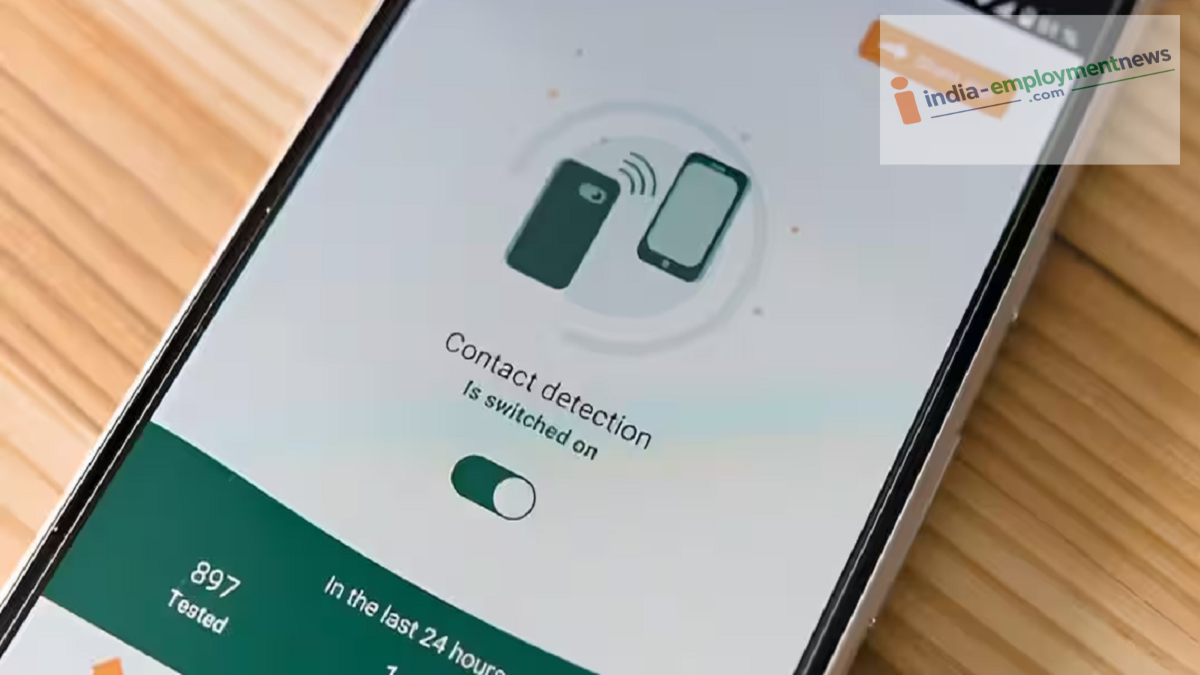
Android Antivirus: Most modern Android phones come with built-in security features. Google's Play Protect scans apps and detects malicious ones.
Android Antivirus: Smartphones have made life significantly easier, allowing people to handle various tasks from the comfort of their homes. They have also become a primary means of storing data; people frequently save photos, videos, and important documents directly on their phones. However, alongside technological advancements, the risk of cyber fraud has also risen sharply.
Consequently, many suggest installing an antivirus app on Android phones. But the question remains: is having an antivirus on Android truly beneficial, or is it merely a waste of money? Let’s uncover the facts.
Built-in Security on Android Phones
It is worth noting that most modern Android phones come equipped with several built-in security features. Google's Play Protect scans apps and identifies malicious ones. It checks not only apps downloaded from the Google Play Store but also other apps already present on the phone.
Additionally, Android offers features like app permissions, security updates, and other safety mechanisms designed to keep your device secure. Therefore, for the average user, installing a separate antivirus app is not strictly necessary.
When Is an Antivirus App Useful?
However, the presence of built-in features doesn't mean antivirus apps are completely unnecessary. In certain situations, an antivirus app provides an extra layer of security. For instance, if a user downloads APK files from the internet, visits unknown websites, or frequently uses third-party app stores, an antivirus app offers added protection to keep the phone safe.
Some security apps can also alert users about malicious websites, phishing links, suspicious files, and potential scams. That said, not every user requires these specific features. So, what is the biggest threat?
It is important to note that phone security does not rely solely on antivirus software. Clicking on unknown links, installing suspicious APKs, granting excessive permissions to apps, and using a phone with outdated security updates pose greater risks to the device.
It is particularly crucial to be wary of fake links received via WhatsApp, SMS, or social media. Cybercriminals often lure users into visiting malicious websites or installing dangerous apps.
Consider these points before spending money.
If you download apps exclusively from the Google Play Store, keep your phone updated, and avoid suspicious links or files, purchasing an expensive antivirus subscription is unlikely to be of much use. Instead, keep 'Play Protect' enabled, ensure your Android OS and apps are up to date, use a strong screen lock, and avoid installing third-party apps.
