
Apple Wallet and Apple Pay are not the same! Understand the difference between the two here..
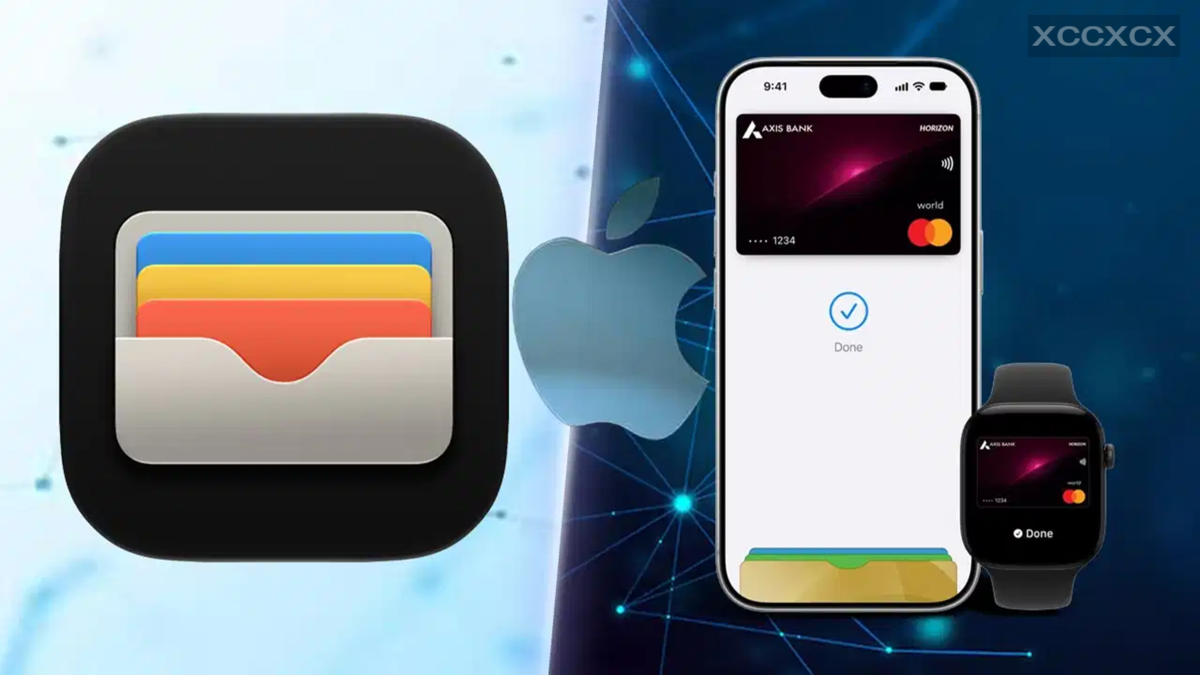
Apple Pay and Apple Wallet are not the same thing, although people often confuse the two. Simply put, Apple Wallet is a digital wallet on your iPhone, whereas Apple Pay is the feature that allows you to make payments using the cards stored in that wallet. In Apple Wallet, you can store debit and credit cards, as well as boarding passes, concert tickets, loyalty cards, certain IDs, and other digital items. A version of it is also available on the Apple Watch. Essentially, you can think of the Wallet as a digital space where essential cards and passes are kept secure in one place.
Apple Pay, on the other hand, is a payment service that enables you to make payments—either in-store or online—using the cards saved in your Wallet. For instance, if a store has an NFC terminal, you simply hold your iPhone near it and double-click the side button; then, you verify your identity using Face ID, Touch ID, or your passcode, and the payment is completed.
Making online payments is also very straightforward. Select Apple Pay as the payment option on a website or app, choose your card, and complete the authentication using Face ID, Touch ID, or your passcode. In short, your card resides in the Wallet, and Apple Pay handles the actual payment process.
What happens when you pay using Apple Pay?
The Apple Pay system does more than just transmit your card details to the merchant. For security purposes, Apple generates a unique Device Account Number (DAN) for each card. This number is stored securely within a specialized chip on your device known as the "Secure Element."
When you make a payment via Apple Pay, the merchant receives this Device Account Number and a unique security code generated specifically for that transaction, rather than your actual credit or debit card number. This means the merchant never sees your real card number.
Authentication is required for Apple Pay.
That is why authentication is a mandatory part of using Apple Pay. When making a payment at a store, Face ID, Touch ID, or a passcode is used to confirm that it is indeed you making the payment. The same verification process applies to online purchases—whether you are buying something from the App Store, placing an order on a food delivery app, or shopping on a website via Safari.
You can also view the last four digits associated with Apple Pay for a specific card in your Apple Wallet. To do this, open the Wallet, select the card, and tap the button with the three dots. Then, go to **Card Details > Card Information** and authenticate using Face ID; here, you will see the last four digits linked to Apple Pay.
What is Apple Cash?
Apple Cash is a feature linked to Apple Pay that allows you to send money to friends or family members. You can use it to send or request money via iMessage or through the Apple Cash card in your Wallet.
Once you receive money, your Apple Cash balance appears as a card in your Wallet. It offers options such as adding funds via a debit card, sending money to others, or transferring the balance to a bank account. However, Apple Cash is not available everywhere, and using the service requires an eligible Apple Account and an Apple dev
Disclaimer: This content has been sourced and edited from TV9. While we have made modifications for clarity and presentation, the original content belongs to its respective authors and website. We do not claim ownership of the content.
