
Apple Releases New iOS Update; Charging Issues Will Be Resolved Immediately Upon Downloading..
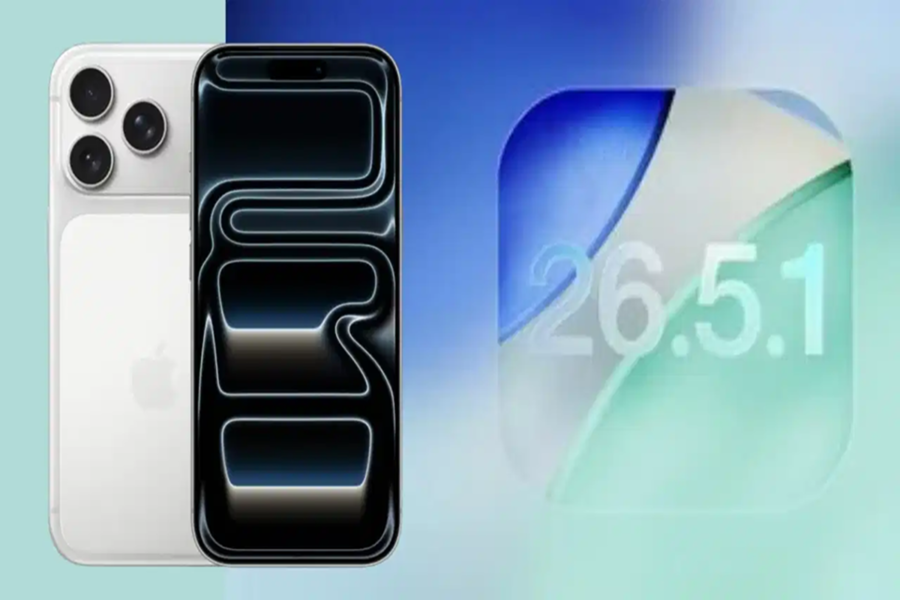
Apple has released a new iOS 26.5.1 update for iPhone users. This update has been specifically released to address a charging issue reported in the iPhone Air and iPhone 17 series. According to the company, some users were experiencing difficulties initiating wired charging after their battery had completely drained. Following the iOS 26.5 update released approximately three weeks ago, this new update delivers a significant bug fix. If you are also encountering charging issues with your iPhone, you should download this new update.
**Charging Failed When Battery Was Depleted**
According to Apple's release notes, the iOS 26.5.1 update fixes a bug that prevented wired charging from initiating on certain iPhone Air and iPhone 17 models after the battery had been almost completely depleted. The company stated that this issue was affecting a limited number of users. According to reports, in many instances—even after connecting the phone to a USB Type-C charger once it had shut down—the screen remained completely black; neither the standard low-battery indicator nor the Apple logo would appear. Consequently, users were led to believe that their phones were not charging or that the system was unresponsive.
**Many Users Had Reported the Issue**
In recent days, complaints regarding battery-related issues in the iPhone Air and iPhone 17 models have surfaced. According to reports, some users stated that their phones would not turn on—even after being connected to a charger—once the battery level had dropped to zero. Many users attempted standard troubleshooting steps, such as a "force restart" (which involves pressing the Volume Up, Volume Down, and Power buttons), but these measures failed to resolve the issue. In some cases, even swapping charging cables or power adapters or connecting the phone to a computer yielded no results. In one specific instance, a user had to resort to using a wireless charger just to get their phone to turn back on.
Here is How to Update Your iPhone
Although Apple has not directly linked this update to widespread complaints regarding battery drain, information provided by the company clearly indicates that this update was released to resolve an issue related to charging behavior. Users can install the new update on their iPhones by navigating to Settings > General > Software Update > Install Now. The size of this update for the iPhone 17 is reported to be approximately 12.71GB. Meanwhile, the WWDC 2027 event is set to commence on June 8th, following which Apple's focus is expected to gradually shift toward iOS 27. Consequently, this is considered a significant bug-fix update for the iOS 26 series.
Disclaimer: This content has been sourced and edited from TV9. While we have made modifications for clarity and presentation, the original content belongs to its respective authors and website. We do not claim ownership of the content.
