
'Apple Pay' launched in India: Service begins with Axis Bank; payments can be made using iPhone and Apple Watch..
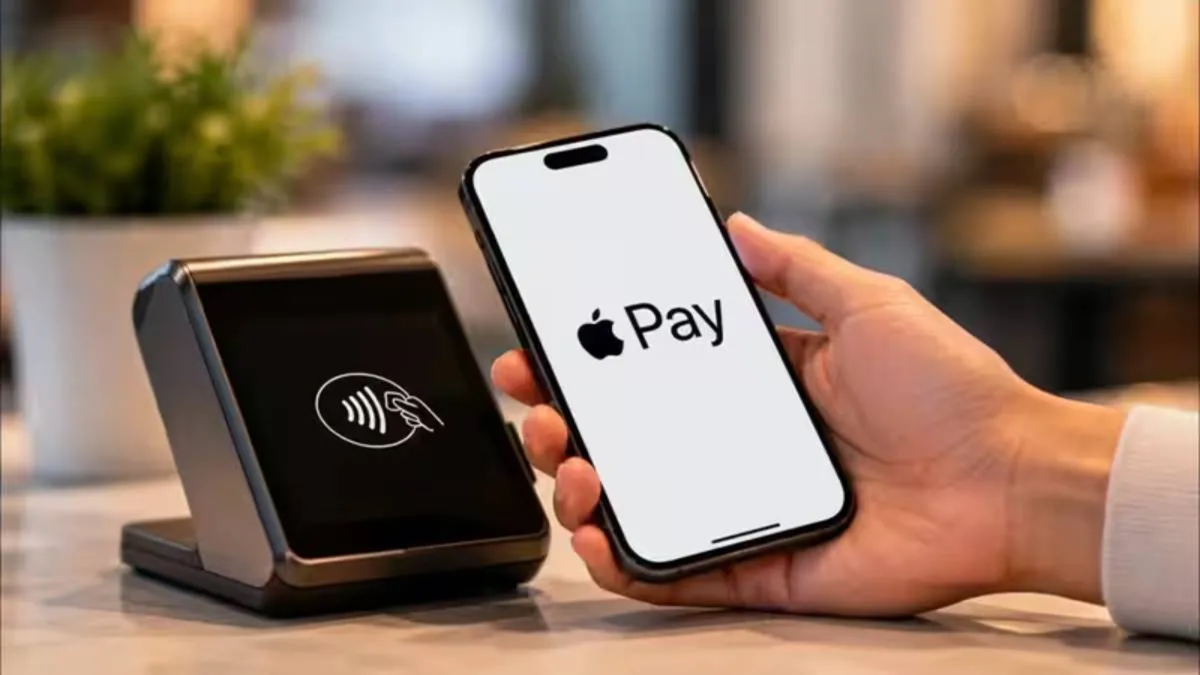
Apple has launched its digital payment service, Apple Pay, in India. Starting September 30, iPhone and Apple Watch users will be able to make contactless payments using their devices. Initially, the company is supporting select Axis Bank Visa and Mastercard credit cards.
Users can add their eligible cards to the Apple Wallet on their iPhones. Subsequently, payments can be made using the card at stores, within apps, or on websites where Apple Pay is accepted. According to Apple, more banks, merchants, and apps will be added to the service in the future.
What is Apple Pay?
Apple Pay is a digital payment service from Apple that allows users to make payments using an iPhone, Apple Watch, or other supported Apple devices without needing to take out a physical card. Simply put, Apple Pay enables you to use your bank or credit card digitally within the Apple Wallet.
How to add an Axis Bank card to Apple Pay?
Eligible Axis Bank Visa and Mastercard credit cards can be added to the Apple Wallet. Users can add their cards via the latest Axis Bank app or by opening the Wallet app directly on their iPhone to complete the process.
To do this, go to the Wallet app, tap the '+' icon, and follow the on-screen instructions. Once the card is added, payments can be made using Apple Pay. According to the company, users will continue to receive the rewards and other benefits associated with their cards when using Apple Pay.
How to make payments using iPhone and Apple Watch
To make a payment at a store, iPhone users need to double-press the side button or the Home button. Afterward, they must authenticate the transaction using Face ID, Touch ID, or the device passcode.
Once authentication is complete, hold the top of the iPhone near the contactless payment terminal. Details of the completed payment will appear on the screen. To make a payment using the Apple Watch, you need to double-press the side button and hold the watch display near the contactless reader.
Where can Apple Pay be used?
Apple Pay supports various popular apps and merchants, including Blinkit, Chaayos, Comet, Croma, Interflora, Ixigo, Reliance Brands, Tata 1mg, and Zomato. Payments via Apple Pay will also be accepted at Apple Stores.
Additionally, Apple has partnered with payment service providers such as Cashfree, Juspay, Mswipe, Paytm, PayU, Pine Labs, Razorpay, and Worldline. This will help expand Apple Pay's reach across their merchant networks.
No need for PIN or OTP
Users do not need to enter a card PIN or OTP for every transaction made with Apple Pay. If a store's contactless payment terminal accepts Apple Pay, the payment can be completed simply by holding the iPhone near the machine. This also eliminates the hassle of repeatedly entering card, contact, and billing details during online purchases.
Regarding security, Apple states that the actual card number is not stored on the device or its servers. Instead, a unique Device Account Number is used; this is encrypted and stored in the device's Secure Element. This information is not shared with the merchant.
Which iPhones and Apple Watches support Apple Pay?
To use Apple Pay, an iPhone XR or a later model is required, running iOS 18 or a later version.
For Apple Watch, a Series 6 or later model is required, running watchOS 11 or a later version. The watch must be paired with an iPhone XR or a later iPhone model.
According to Apple, Apple Pay is now available in over 90 countries and regions worldwide. More than 11,000 banks and network partners are connected to the company's payment network.
Disclaimer: This content has been sourced and edited from Amar Ujala. While we modified it for clarity and presentation, the original content belongs to its respective authors and website. We do not claim ownership of the content.
