
Apple heeds user feedback: Full control over the 'liquid glass' effect is coming to the iPhone—here’s what has changed..
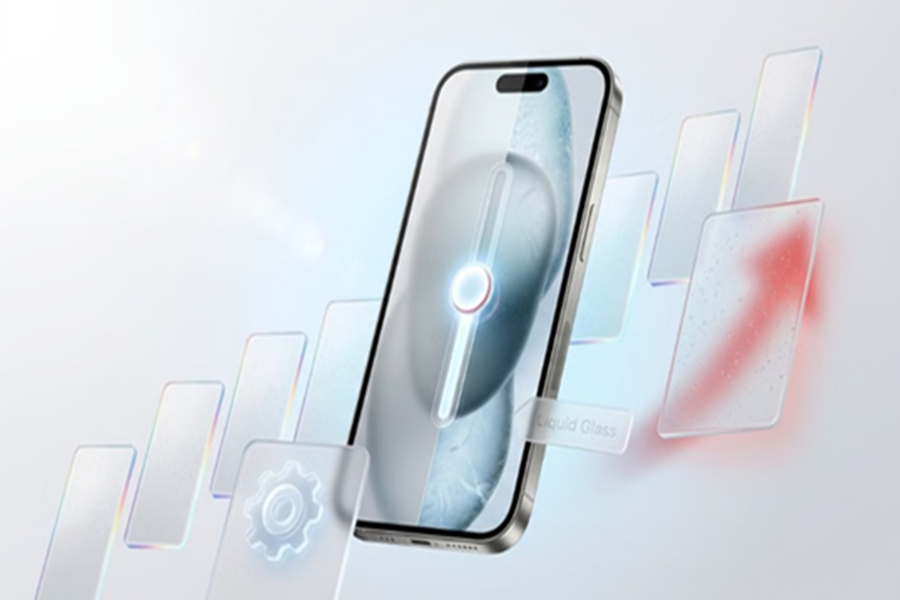
Liquid Glass Feature: Apple is actively addressing user feedback regarding its 'Liquid Glass' design. In the latest iOS 27 beta update, the company has introduced a new transparency control feature, allowing users to adjust the intensity of the Liquid Glass effect on their iPhones. This change is particularly useful for those who appreciate the new glossy, translucent interface but found the high level of transparency distracting at times.
What is the Liquid Glass design?
Apple introduced the 'Liquid Glass' visual design with iOS 26. This design gave elements like notifications, the Control Center, menus, and various built-in apps a glossy and translucent appearance.
This makes the iPhone interface look more modern and premium than before. However, some users felt that the high transparency made reading content and navigating the interface somewhat difficult.
With this tool, iPhone menus and interface elements can be made either clearer or more 'frosted' (blurred or solid). Best of all, changes take effect on the screen immediately as you move the slider—there is no need to restart the iPhone.
How to adjust Liquid Glass settings on iPhone?
If you are an Apple developer or a public beta tester and have installed the latest iOS 27 beta on your iPhone, you can use this feature by following these 5 simple steps:
First, open the main Settings app on your iPhone.
Scroll down slightly and tap on the 'Appearance' option.
Select 'Liquid Glass' from the available options.
A new Transparency Slider will now appear on your screen. If you drag the slider to the left, transparency decreases, making screen elements appear more solid.
If you drag the slider to the right, the blur and glass-like futuristic effect are significantly enhanced.
Once you achieve the look you prefer, simply exit the Settings app; your changes will be saved automatically.
A solution to the biggest user complaint
The "Liquid Glass" design sparked the most discussion regarding its transparency. While some users loved the futuristic aesthetic, others preferred a cleaner, less distracting interface.
The new Transparency Control aims to cater to both types of users, allowing them to customize the experience to their liking. This makes the iPhone interface more personal and customizable than before.
Disclaimer: This content has been sourced and edited from Amar Ujala. While we have made modifications for clarity and presentation, the original content belongs to its respective authors and website. We do not claim ownership of the content.
