
APAAR ID: Where can I download my APAAR ID? What should I do if it's not showing up in DigiLocker?
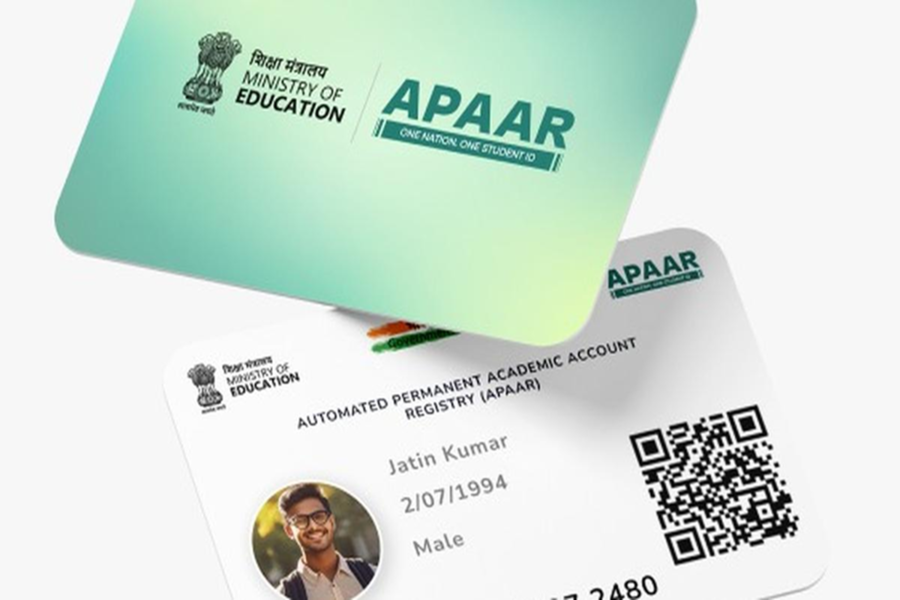
Where to Download APAAR ID 2026: Many students who have applied for an APAAR ID are confused about where and how to download their APAAR ID. The best place for this is DigiLocker. However, many students also complain that their APAAR ID or college details are not available in DigiLocker. So, what can be done in such a situation? We will provide you with this information in this article. This article can be useful for those who want to download their APAAR ID online.
What is APAAR ID?
APAAR ID is an ID given to students. It digitally stores all the educational records of the students. Under the new education policy, it is mandatory for all students to create an APAAR ID. This is being done online and with the help of schools. The purpose of creating an APAAR ID is to digitally save all the educational records of the students so that they can be accessed when needed.
Where to download APAAR ID
Install DigiLocker on your mobile phone.
Create your account in DigiLocker. You will need your Aadhaar card for this.
After creating the account and setting the PIN, go to the search option.
In the search bar, type APAAR ID.
You can also type Academic Bank of Credits in the search bar.
After this, you will have to provide some necessary information. After filling in the details, click on 'Get Document'.
As soon as the APAAR ID is generated, the option to download it will appear.
Save your APAAR ID as a PDF.
If not from DigiLocker, download from ABC
If you don't have DigiLocker on your phone, you can also download your APAAR ID by visiting the Academic Bank of Credits website. There you will find the 'Download APAAR ID' option. It can be downloaded and printed. Not on DigiLocker, not on ABC, so what to do?
Many students have complained on the social media platform Reddit that their APAAR ID is neither available on DigiLocker nor on ABC. This can happen to anyone. In such a situation, students are advised to contact their college or university to obtain their APAAR ID.
Disclaimer: This content has been sourced and edited from Navbharat Times. While we have made modifications for clarity and presentation, the original content belongs to its respective authors and website. We do not claim ownership of the content.
