
Android users are in for a treat! WhatsApp secretly changed this important messaging rule..
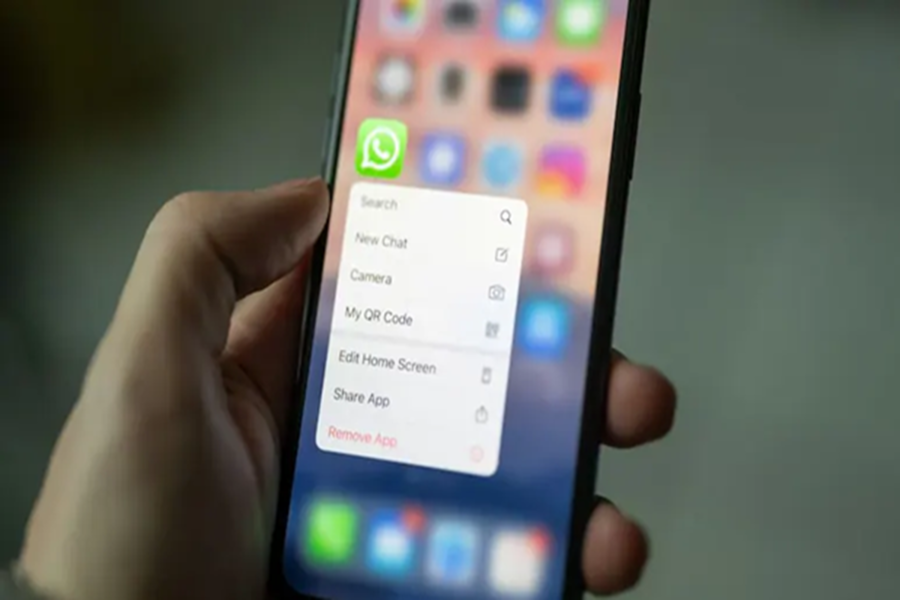
After years of hard work and testing, WhatsApp has finally begun rolling out a brand-new, modern 'message menu' for its Android app. This change will completely transform your chatting experience; best of all, your Android WhatsApp will now look and feel much more premium, similar to the iPhone version.
**An update arriving after three years of effort**
According to WABetaInfo, a website that tracks WhatsApp updates, the company has been working on this new look for the past three years. It was first spotted during testing in 2023, when the company aimed to give Android users an iPhone-like experience. Now, the company has finally started releasing this feature to Android beta testers. This new update is visible in WhatsApp Android beta version 2.26.23.8.
**Say goodbye to the old, boring design**
Previously, whenever Android users wanted to delete, forward, star, or edit a message, they had to look at the top app bar. Additionally, accessing certain essential options required navigating through the 'three-dot' menu in the top corner. This meant repeatedly reaching for the very top of the screen, which was quite inconvenient. The new design eliminates this major issue once and for all.
**New menu opens right next to the message**
With the new update, as soon as you select a message, all the essential options (such as reply, forward, copy, and edit) will pop up in a clean, attractive layout right next to that message. The features you use most frequently will be immediately visible, while less frequently used options are tucked away in a 'More' section. This keeps the screen uncluttered and makes the chatting experience feel very natural.
**Effortless usability**
You do not need to learn any new controls or methods to use this new design. Using this is extremely simple. You just need to tap and hold any message for a moment, as usual. Doing so will open a new menu on the screen right next to the message. This new feature will apply equally to both personal and group chats.
Disclaimer: This content has been sourced and edited from NDTV India. While we have made modifications for clarity and presentation, the original content belongs to its respective authors and website. We do not claim ownership of the content.
