
Android Tricks: Take photos, silence calls, and restart your phone using the volume buttons without touching the screen—here's how..
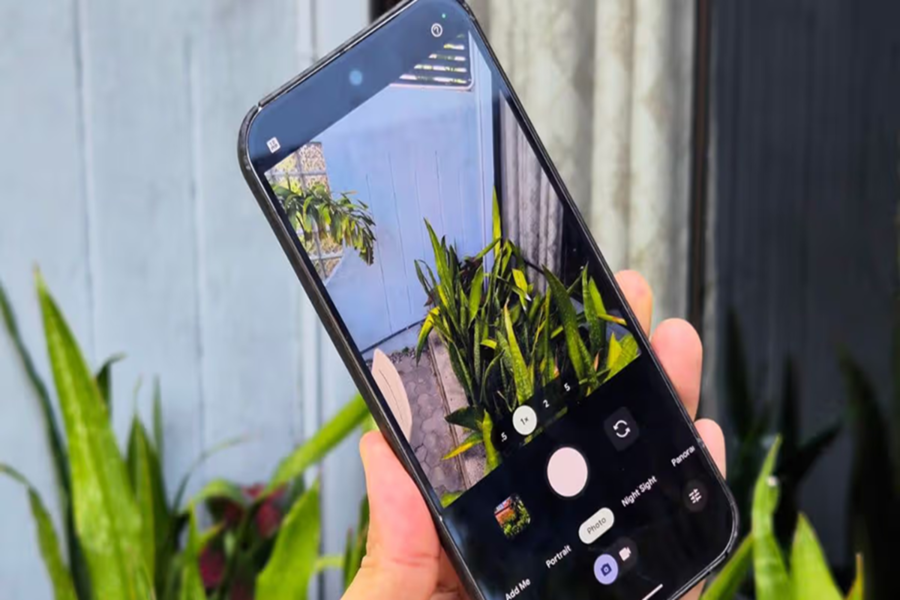
If you use an Android smartphone, you likely use the volume buttons solely to adjust the sound level. But did you know that this small button can perform several significant and smart functions on your phone?
From taking photos to restarting the device, there are many hidden features that few people are aware of. Let’s explore 10 amazing features of the volume button that will transform the way you use your smartphone.
**Take photos and videos without touching the screen**
Want to snap a photo without touching the screen? Simply open the camera and press the volume up (+) or down (-) button.
**Benefit:** This feature is incredibly useful when taking selfies, capturing group photos, or holding the phone with one hand. On some Samsung phones, you can even start video recording using this method.
**Control camera zoom and focus**
It can be difficult to zoom in while taking a photo with one hand. On phones like the Google Pixel and Samsung, you can configure the volume button to act as a zoom control in the settings. Apps like 'Open Camera' also allow you to use it to adjust autofocus and exposure.
**Quickly launch the camera from the lock screen**
Often, a special moment arises, but precious time is lost just trying to unlock the screen.
**Solution:** On many phones, such as Redmi devices, pressing the volume down button twice in quick succession opens the camera directly from the lock screen. You can enable this feature in your phone's settings.
**Instantly silence or answer calls**
Does your phone suddenly start ringing during a meeting or in a classroom? Don't panic! Just press the volume button once. The ringtone will silence immediately without disconnecting the call.
**Bonus feature:** On some Samsung phones, you can configure the settings to answer calls by pressing the volume up button.
**Easily turn off your morning alarm**
When you're sleepy, it can be hard to locate the small button on the screen to turn off the alarm. You can configure your Clock app settings so that pressing the volume button either snoozes the alarm or turns it off completely.
**Launch your favorite app instantly**
You can set up the "Hold Volume Keys" shortcut in your phone's Accessibility Settings. This allows you to instantly launch your preferred app by pressing and holding both volume buttons simultaneously for a few seconds.
**Enable accessibility features in seconds**
If you struggle to read small text on the screen, you can instantly activate Magnification by pressing the volume buttons. Additionally, you can enable the Live Caption feature from here to watch videos without sound.
**Force restart if the phone hangs**
If your phone suddenly hangs or the screen stops responding, there is no need to panic.
What to do: Press and hold the Power button and Volume Down button simultaneously for 7 to 10 seconds. Your phone will restart automatically.
**Turn it into a 'Super Button' with the Button Mapper app**
If your phone lacks some of the features mentioned above, you can install an app called Button Mapper. This allows you to customize the function of the volume buttons. For example:
Turn on the flashlight with a double press.
Take a screenshot by long-pressing.
Adjust the screen brightness.
**Change songs without looking at the screen**
You don't need to keep turning on your phone screen while listening to music. Apps like "Skip Track" allow you to use the volume buttons as music controls.
Long-press Volume Up to play the next song.
Long-press Volume Down to play the previous song.
This feature is very useful during gym sessions, morning walks, or while traveling.
**Important Note**
Android is an open platform, and every manufacturer has its own unique user interface. Consequently, some of these features might be located in different settings menus on your phone or may not work at all. However, with the help of third-party apps, you can enjoy these features on any Android phone. So, go to the settings now and start utilizing the true power of your phone's volume buttons.
Disclaimer: This content has been sourced and edited from Amar Ujala. While we have made modifications for clarity and presentation, the original content belongs to its respective authors and website. We do not claim ownership of the content.
