
Android Tips: What is Safe Mode on Android phones? When and why should you use it?
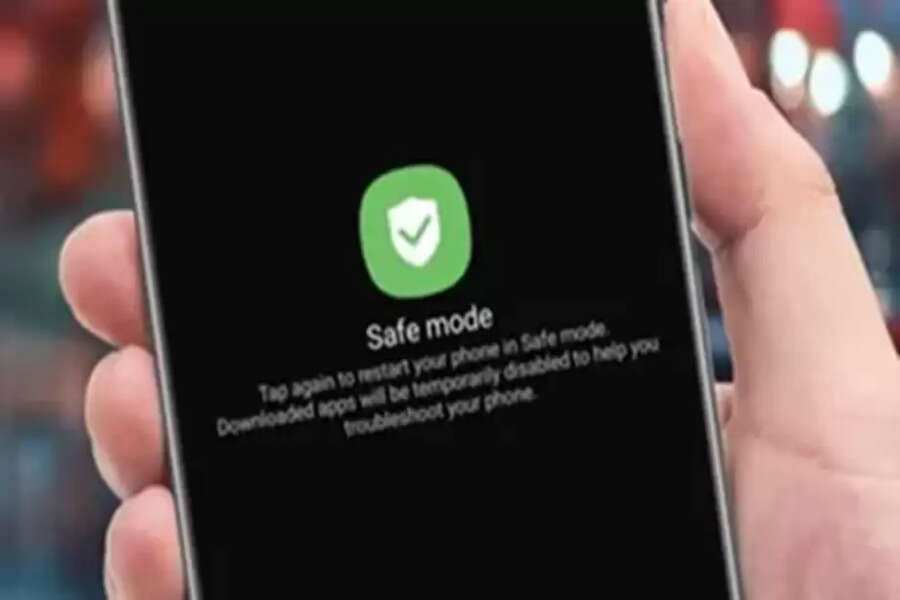
Android Safe Mode: Nowadays, Android smartphones come with a Safe Mode feature. However, many people don't know what this feature is and how it works. Safe Mode is a special feature that helps identify and fix software problems on your phone. Safe Mode is very useful when your phone freezes frequently, restarts automatically, or an app isn't working properly. In this mode, the phone starts with only essential system apps. This allows the user to easily understand whether the problem is with the system or a third-party app.
What is Android Safe Mode?
Safe Mode is a special boot mode in which an Android phone starts with only the pre-installed system apps. During this time, all third-party apps downloaded by the user are automatically disabled. The purpose is to identify the problem by running the phone's software in a safe environment. If the phone works correctly in Safe Mode, it's clear that the problem is due to an app.
When should you use Safe Mode?
You should use Safe Mode when your phone suddenly becomes slow, starts crashing frequently, or restarts automatically. Additionally, if your phone starts malfunctioning after installing a new app, Safe Mode can help confirm the cause. Rapid battery drain or screen freezing are also good reasons to use Safe Mode.
How does the phone work in Safe Mode?
In Safe Mode, the phone's operating system runs with limited features. Only calling, messaging, settings, and essential system apps remain active. Social media, games, and other downloaded apps are disabled. Because of this, the phone's performance remains stable, and it becomes easier to pinpoint the root cause of the problem.
What are the benefits of Safe Mode?
Safe Mode gives the user a chance to understand the phone's problem without performing a factory reset. If the phone works fine in Safe Mode, the user can uninstall suspicious apps one by one. This keeps the data safe, and the phone starts working normally again. That's why Safe Mode is considered Android's most reliable troubleshooting feature.
Disclaimer: This content has been sourced and edited from TV9. While we have made modifications for clarity and presentation, the original content belongs to its respective authors and website. We do not claim ownership of the content.
