
Android Tips: These 7 amazing features are hidden in Android phones; very few people use them..
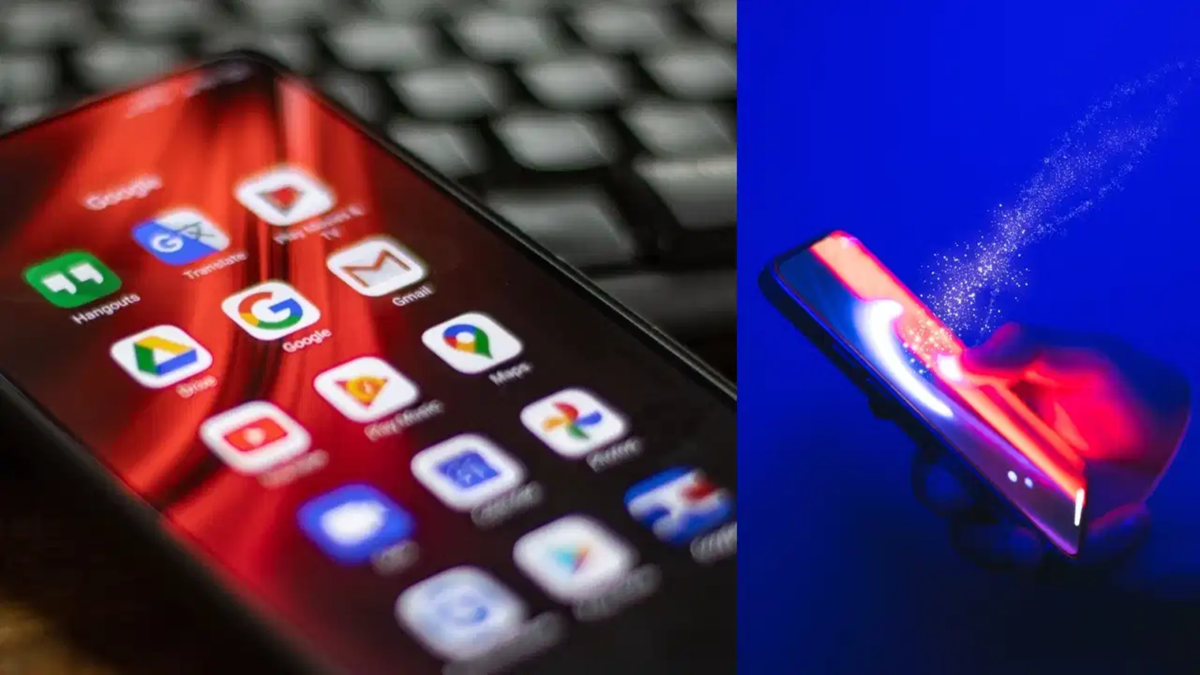
Nowadays, almost everyone owns an Android phone, yet most people do not utilize many of its essential features. Android phones come with features that can simplify tasks ranging from taking screenshots to managing battery life, security, and other important functions. These features allow you to optimize your phone usage according to your specific needs. Let’s explore seven such Android phone features.
1. Create videos with Screen Recording
Many Android phones come with a built-in screen recording feature. This allows you to record a video of any activity taking place on your phone's screen. It is useful for explaining phone settings to someone, recording gameplay, or saving important information as a video. Typically, this feature can be accessed via the Quick Settings panel.
2. Run two apps simultaneously with Split Screen
The split-screen feature on Android phones enables you to use two apps at the same time. For instance, you can watch a video on one side of the screen while using a messaging app on the other. This feature is highly beneficial for multitaskers. The method to activate it may vary slightly depending on the phone model and Android version.
3. Locate your phone if it gets lost
Android phones include features designed to help locate the device. These tools assist in finding and securing your phone if it goes missing. In addition to tracking the phone's location, you may also have options to secure the device in certain situations. However, for this to work, the necessary settings and account details must be configured correctly beforehand.
4. Read audio on-screen with Live Caption
Android's Live Caption feature displays the audio from videos or audio clips as text on the screen. This feature is particularly useful when watching videos, as it helps you understand the content without needing to listen to the audio. However, the availability of this feature may vary depending on the phone model and Android version. 5. Protect personal data with Guest Mode
Guest Mode is a useful feature if you lend your phone to someone else. It allows the phone to be used via a separate profile, helping to keep your personal information, apps, and other data isolated. The person using the phone operates within a separate space, making it easier to maintain privacy.
6. Control phone usage with Digital Wellbeing
Android phones offer features like Digital Wellbeing, which allow you to track the time spent using the phone and specific apps. Users can see exactly how much time they are spending on each app. Options are also available to limit app usage time if necessary. This feature can help curb excessive phone usage habits.
7. Make phone operation easier with One-Handed Mode
Operating a phone with a large display using just one hand can often be difficult. This is where One-Handed Mode comes in handy. This feature allows you to shrink the active area of the screen, making it easier to use the phone with one hand. It is particularly useful for users with large-screen Android smartphones.
Disclaimer: This content has been sourced and edited from TV9. While we have made modifications for clarity and presentation, the original content belongs to its respective authors and website. We do not claim ownership of the content.
