
An easy way to change the address on your Aadhaar card and how to check your Aadhaar details?.
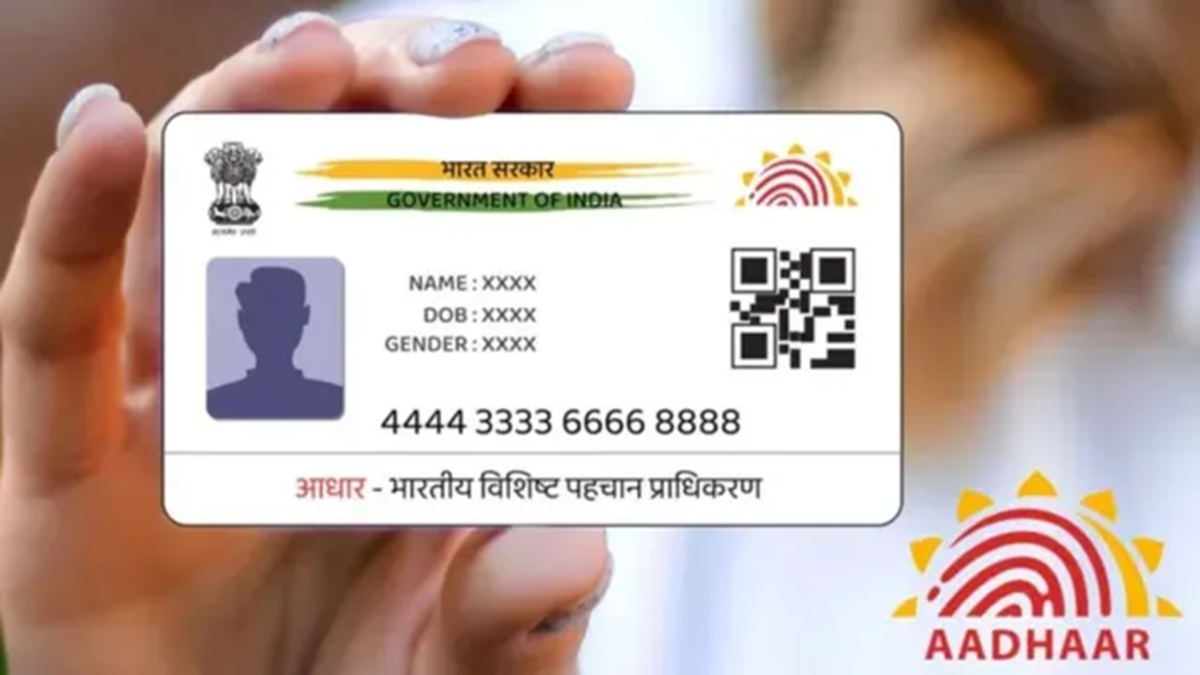
To verify your identity or avail of government services, having an updated Aadhaar card is essential. Notably, you can update your address on your Aadhaar card online yourself. However, if you need to change biometric data—such as your photograph, fingerprints, or iris scan—you must visit an Aadhaar enrollment center.
How to update the address on your Aadhaar card?
Visit the UIDAI (myAadhaar) portal and click on the 'My Aadhaar' section.
You will see options such as 'Document Update,' 'Check Aadhaar Update Status,' 'Enrollment and Update Forms,' and 'Aadhaar Update History.'
Click on 'Document Update'; a new window will open displaying two options: 'Want to Submit' and 'How to Submit.'
Go to the 'Want to Submit' option to view the documents that can be used to update your address, and select one of them.
Click on 'Submit' and log in using your Aadhaar number and the CAPTCHA code.
Next, click on 'Update Address,' enter the relevant details, and submit the request.
Your address will be updated automatically after some time. You can also check the status of the update using the same method.
How to verify an Aadhaar card
Aadhaar is used for identity verification across a wide range of services, from KYC procedures to various government schemes. It serves as a convenient tool for verifying the credentials of employees, domestic help, drivers, and tenants.
Significantly, an ordinary person can easily check the background of an unfamiliar individual. You can even easily detect if a person's photograph or other details have been altered using software like Photoshop.
The QR code on the Aadhaar card contains all essential information and can be scanned.
It is secure and tamper-proof because it is digitally signed by UIDAI.
You can download the 'Aadhaar QR Scanner' app from the Play Store or App Store to verify details regarding any Aadhaar card. Additionally, the validity of the Aadhaar card can be checked online at https://myaadhaar.uidai.gov.in/check-aadhaar-validity/en.
This provides information regarding the individual's age, gender, state, and the last digits of their mobile number.
Disclaimer: This content has been sourced and edited from Dainik Jagran. While we have made modifications for clarity and presentation, the original content belongs to its respective authors and website. We do not claim ownership of the content.
