
Alert: Your privacy could be compromised through mobile notifications! Find out how data theft can occur..
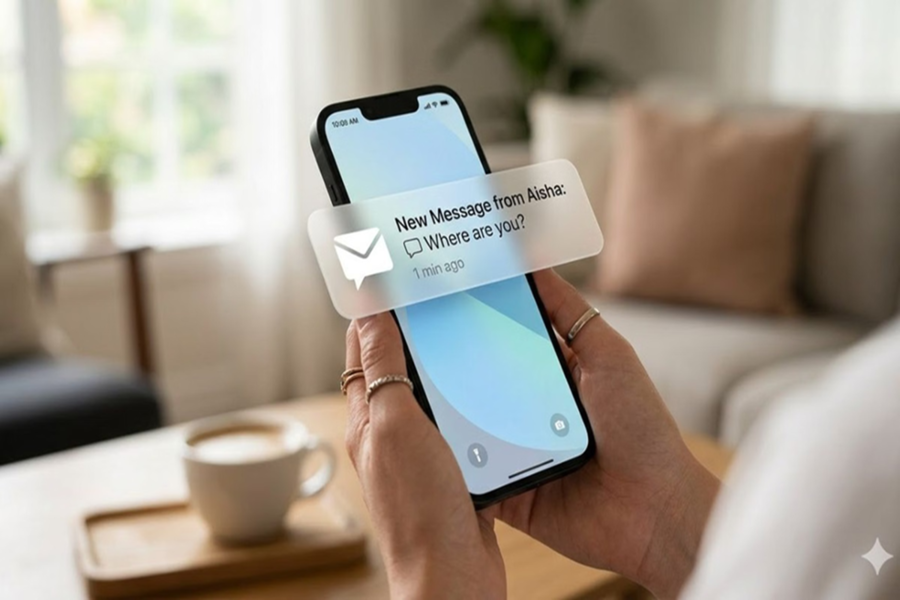
In today's digital age, virtually everyone uses a smartphone; however, very few people are aware that the push notifications received on their phones can pose a significant threat to their personal information. These notifications can expose sensitive details regarding your messages, app activity, and daily routines.
According to reports, this information has become so sensitive that even tech giants like Apple and Google now require a court order to share it. Despite this, user data is still accessed in numerous instances.
**How Data Leaks from the Cloud to Your Device**
Push notifications do not travel directly from an app to your phone; instead, they first pass through the servers of Apple or Google. During this process, certain metadata associated with the notification—such as which app is sending it and at what time—can become accessible to these companies. In some cases, the actual content of the notification may also be visible if the app developer has not implemented features to mask it.
A second vulnerability arises once notifications have reached your phone. If you have enabled notification previews on your lock screen, anyone could read your messages without needing to unlock the device.
**Notifications Remain Vulnerable Even After Deletion**
Many users assume that once they clear their notifications, the associated data is permanently deleted; however, this is not the case. According to technology experts, notification data can persist within the phone's internal storage.
In fact, with the aid of certain forensic tools, even deleted notifications can be recovered. Even if an app is uninstalled from the phone, its associated notification data may, in some instances, remain embedded within the system.
**Messaging Apps Are Not Entirely Secure Either**
Secure messaging apps like WhatsApp and Signal offer end-to-end encryption, which safeguards the content of your messages. However, that very same content can be exposed via notifications if your settings are not configured correctly.
Signal provides users with three distinct options to control the information displayed in notifications: show the full message, show only the sender's name, or show nothing at all. Similarly, WhatsApp also offers an option to disable notification previews.
How to Protect Your Privacy
To safeguard your personal information, it is essential to pay close attention to your notification settings. First and foremost, disable notification previews on your lock screen so that no one can view your information without unlocking the device. Additionally, limit notification permissions for apps, granting access only to those that are necessary. It is also crucial to customize the privacy settings within secure messaging apps.
Experts believe that as technology becomes increasingly advanced, privacy-related threats are escalating at an equally rapid pace. In such a scenario, relying solely on companies or the government is insufficient; users must also remain vigilant regarding their own digital security. While push notifications may seem like a minor detail, without the proper settings, they can potentially expose—and allow others to pry into—your private life.
Disclaimer: This content has been sourced and edited from Amar Ujala. While we have made modifications for clarity and presentation, the original content belongs to its respective authors and website. We do not claim ownership of the content.
