
AI Update: Weak eyesight or difficulty typing? AI will prove very useful for the elderly...
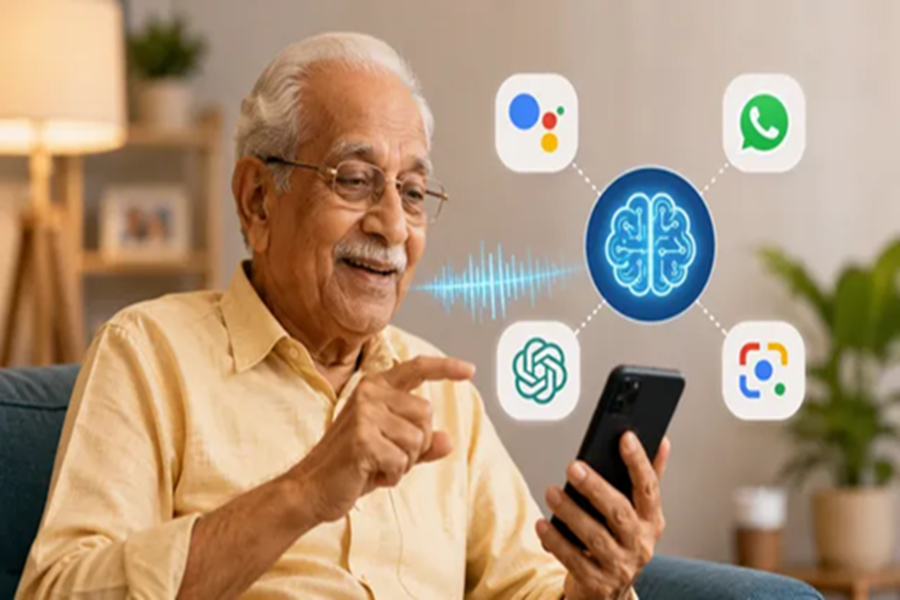
Many elderly people believe that Artificial Intelligence (AI) is meant only for the younger generation, but the reality is quite the opposite. AI can prove to be incredibly helpful for seniors as well. If you struggle with typing on a mobile phone, have weak eyesight, or need assistance with small daily tasks, simply speak your request, and AI will provide immediate help. The best part is that you don't need to be a computer expert to use AI; you can get started with just three simple actions: speak, look, and ask. Here are four easy ways to start using AI on your smartphone:
4 Easy Ways to Start Using AI
1. No need to type; just speak to get things done
Google Assistant or Gemini: Activate the Gemini or Google Assistant app by pressing and holding the smartphone's Home or Power button for a few seconds, or by saying "Hey Google." Then, simply speak commands like "What is the weather like today?" or "Set an alarm for my 8 PM medication." There is no need to type anything.
2. Get answers to all your important questions here
WhatsApp's Meta AI: Activate it by tapping the blue-purple circular icon (Meta AI) visible at the top or bottom of your WhatsApp screen. Then, press the microphone button in the chat box and ask any question by speaking directly in your own language—no typing required.
3. Find information on everything from home remedies to general knowledge
ChatGPT: First, download the app from the Play Store. Then, tap the microphone button in the chat box to ask for—and listen to or read—old stories, anecdotes, home remedies, or historical information, all by speaking in simple, everyday language.
4. Easily understand any document
Google Lens: This app comes pre-installed on almost all Android phones. Simply open the app, point your camera at any bill, government letter, or bank notice written in English, and instantly view the translation in Hindi or your preferred language. Always keep these 3 things in mind:
Never share confidential information—such as your bank account number, password, OTP, or Aadhaar number—while using AI on your mobile.
Genuine AI never asks for an OTP or money. If you receive any such message, inform your family immediately.
Do not consider medical advice from AI as the final word. AI can only provide general information; make treatment decisions based solely on a doctor's advice.
Disclaimer: This content has been sourced and edited from Dainik Jagran. While we have made modifications for clarity and presentation, the original content belongs to its respective authors and website. We do not claim ownership of the content.
