
AI is now being used in air purifiers too—how will these devices become smarter than before?
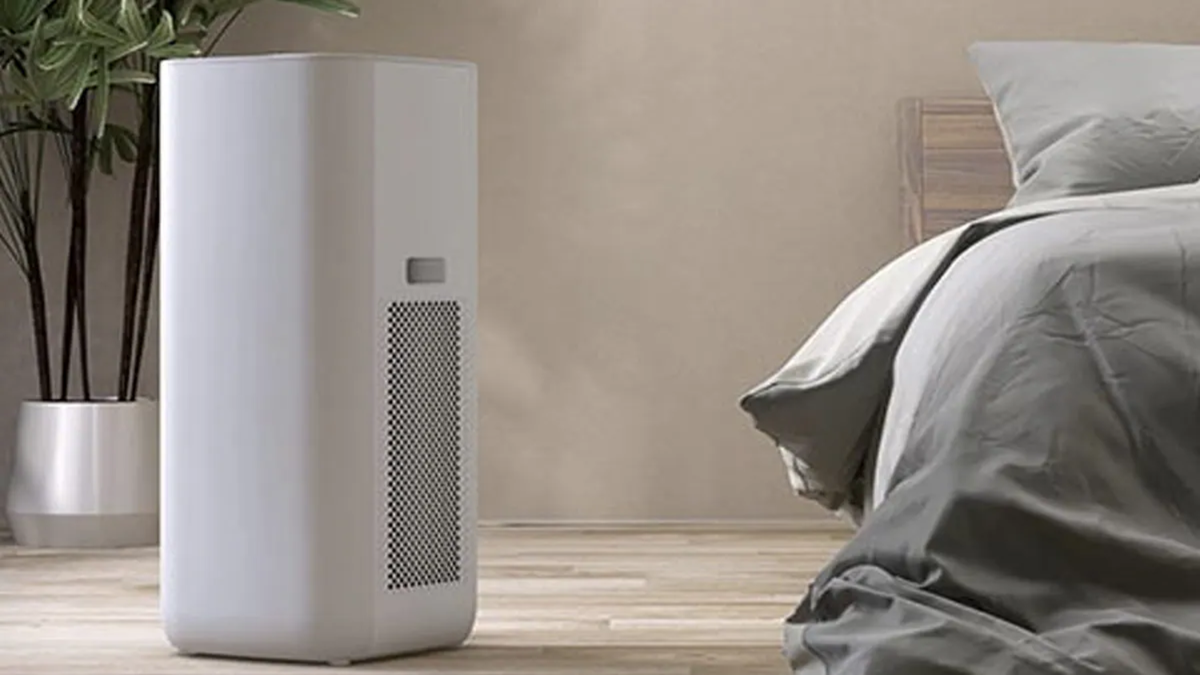
With the onset of winter, air pollution levels in many parts of the country reach dangerous heights. Consequently, the need for air purifiers to keep indoor air clean has grown. While the primary function of these devices was once simply to filter out dust and pollution particles, they now come equipped with a variety of smart features. Modern air purifiers offer capabilities such as AI technology, real-time air quality monitoring, 'auto' modes, mobile app control, and smart home connectivity.
These features allow the air purifier to adjust its settings based on the air quality in the room and increase its purification speed when necessary. However, the mere presence of new features does not necessarily make an air purifier better; it is equally important to understand the purpose of each feature and how to use it effectively.
New and Smart Features
AI-Powered Air Purifiers
The integration of AI is making air purifiers significantly smarter. In standard models, users must manually select the fan speed or operating mode; in contrast, AI-based models can adapt their operation based on the surrounding air quality and available data. For instance, some air purifiers feature an 'AI+ Clean' function, which analyzes data regarding both indoor and outdoor air quality to estimate pollution levels and then initiates purification as needed.
How to Use: If your air purifier includes an AI mode, you must first activate it via the mobile app or the device's control panel. Afterward, configure the air quality and automation settings within the app according to your preferences. Please note that the specific functionality of the AI feature and the method for activating it may vary depending on the manufacturer and the model.
Real-Time Air Quality Sensors
Many air purifiers now come equipped with PM 2.5, PM 1.0, and gas sensors. These allow the device to monitor the level of pollution present in the room. Some models indicate air quality using colors: typically, green signifies good air quality, yellow or orange indicates a moderate level, and red signals high pollution. Note, however, that the specific meaning of these colors may vary depending on the model.
How to use: Once the air purifier is turned on, observe its display or indicator. If the air quality appears poor, you can increase the fan speed or enable 'Auto Mode.' Some models feature PM 1.0 sensors and color-coded air quality indicators. Certain models also allow you to monitor air quality via a mobile app.
Auto Mode
Auto Mode is ideal for those who prefer not to manually adjust their air purifier's settings. In this mode, the device's sensors monitor the particles present in the room's air. If pollution levels rise, the fan speed increases automatically; conversely, as the air becomes cleaner, the fan speed decreases. This ensures that purification occurs precisely as needed.
How to use: Press the 'Auto' button on the air purifier's control panel. On some smart models, this mode can also be activated via a mobile app. In these cases, the purification speed adjusts automatically based on the data from the sensors.
Mobile App Control
Air purifiers with Wi-Fi connectivity can now be controlled via a smartphone. Manufacturers provide dedicated mobile apps that allow you to turn the device on or off, adjust fan speeds, monitor air quality, and check the status of the filters. Some models also offer the option to set timers and operational schedules.
How to use: First, download the official app available for your air purifier. Next, connect the device to your home Wi-Fi network by following the instructions provided in the app. For example, some LG models can be controlled via the ThinQ app, while Samsung models can be managed using the SmartThings app. Once the connection is established, you can adjust the settings directly from your phone.
Smart Scheduling and 'Welcome Care'
Some modern air purifiers offer scheduling and location-based features. The scheduling function allows you to set specific times for the device to turn on or off. Certain smart models also include a 'Welcome Care' feature, which alerts you when you are nearing home—if the air quality in the room is poor, it prompts you to turn on the air purifier. Note that this feature is available only on select models.
How to use: Access the 'Schedule' or 'Automation' option within the mobile app to set your preferred days and times. For location-based features, you may need to grant the app permission to access your location. For instance, using a feature like 'Welcome Care' (available in Samsung SmartThings) may require enabling location settings and app notifications.
Filter Replacement Alerts
Over time, an air purifier's filter becomes clogged with dust and pollutant particles, making regular cleaning and timely replacement essential. Many models now include a filter replacement alert, which notifies the user when it is time for a change based on usage and a set timeframe. Some models also send these notifications directly to your mobile app.
How to use: Check the filter indicator on the device's display or the filter status within the mobile app. If you receive a replacement alert, install a new filter according to the manufacturer's instructions. On some models, you may need to press a 'reset' button after replacing the filter so the device can begin tracking the lifespan of the new one. Please be aware that not all filters can be cleaned with water; always refer to the manufacturer's guidelines.
360-Degree Air Purification
Certain premium air purifiers feature 360-degree air purification. In this system, the device draws in air from all directions, filters it, and then releases clean, purified air back into the room. Some models now also feature a 'Clean Booster,' which helps propel clean air over greater distances. This makes it easier to circulate clean air to various parts of the room.
How to use: Place the air purifier in a location with sufficient space around it for proper airflow. Avoid positioning it directly against walls, curtains, or large pieces of furniture. If your model includes a 'Clean Booster' or an adjustable airflow direction feature, configure it according to how the room is being used. Certain LG models, for instance, offer features like 360-degree purification and a 'Clean Booster.'
Night Mode and Child Lock
'Night Mode' is a useful feature for those using an air purifier in a bedroom. When activated, the device’s lights dim and the fan speed slows down, resulting in quieter operation. A 'Child Lock' feature allows you to lock the device's buttons, preventing children from accidentally changing the settings.
How to use: Before going to bed at night, enable 'Sleep' or 'Night Mode' via the control panel or the mobile app. If there are young children in the home, you should also activate the 'Child Lock.' Some Samsung air purifiers, for example, include options like 'Sleep Mode' and a 'Lock' function.
Disclaimer: This content has been sourced and edited from Dainik Jagran. While we have made modifications for clarity and presentation, the original content belongs to its respective authors and website. We do not claim ownership of the content.
