
AC Tips: What do the different buttons on an AC remote mean? Learn in simple terms what each button does..
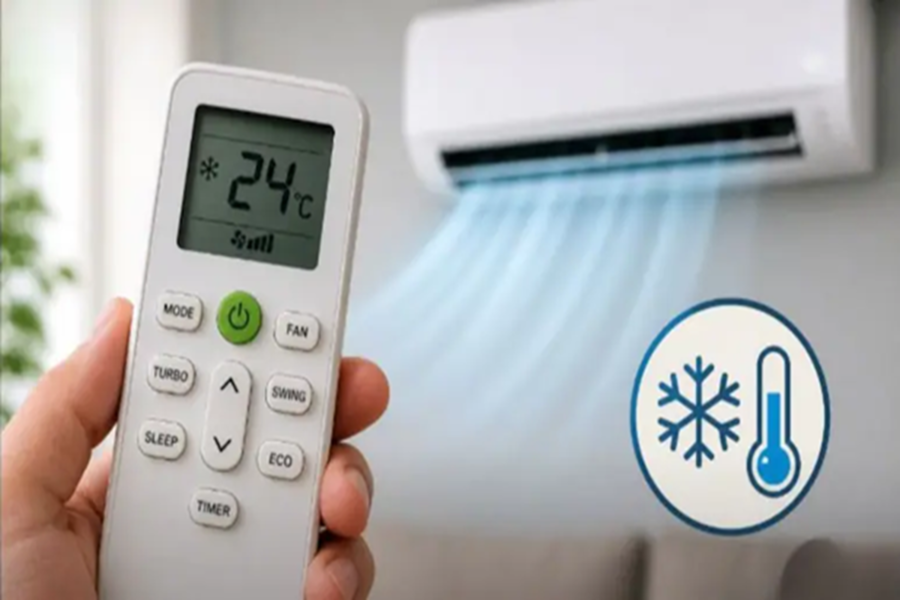
How to Use AC Remote Control Functions Effectively: During the hot and humid season, an AC has become a necessity in every household. However, while people often turn on their ACs, they frequently fail to utilize all the buttons on the remote control correctly. Most people limit themselves to merely adjusting the temperature up or down, or simply turning the unit on and off. Yet, AC remotes feature numerous functions that can provide superior cooling while simultaneously helping you save electricity. So, let's explore how to properly utilize these AC remote buttons and understand the specific purpose of each one.
What Do the Different Modes on an AC Remote Do?
If you take a close look at your AC remote, you will notice a 'Mode' button. Pressing this button allows you to switch your AC between various operating modes, such as:
Cool Mode
This is the most basic and essential mode. In this setting, the AC actively cools the room. For optimal results, keep the temperature set between 24°C and 26°C; this also helps conserve electricity.
Dry Mode
This mode comes in handy during the rainy season when humidity levels in the air are high. It works by reducing the moisture content in the air, thereby eliminating that sticky, clammy feeling.
Fan Mode
In this mode, the unit simply circulates air without providing any cooling. It serves as an excellent option during mild heat or cooler weather.
Auto Mode
In this setting, the AC automatically determines the appropriate temperature and fan speed based on the current conditions of the room. This is ideal for those who prefer not to constantly adjust their settings manually.
Sleep Mode
At night, this mode gradually raises the temperature to prevent the room from becoming excessively cold. This not only promotes better sleep but also helps save electricity.
Turbo Mode
When the heat is intense, this mode rapidly cools down the room. However, it is generally not advisable to keep this mode running for extended periods. Essential AC Remote Buttons and Their Functions
Power Button
The Power button is used to switch the AC on and off. Always turn off the AC using the remote to ensure the system functions correctly.
Temperature Control (+/-)
These buttons allow you to set the temperature. Keep in mind that the lower you set the AC temperature, the more electricity it will consume. Setting the temperature between 24 and 26 degrees is considered the most optimal choice.
Fan Speed Button
This button controls the airflow speed. A higher speed is preferable during the day, while a lower speed is better suited for the night.
Timer Button
This allows you to schedule the AC to switch on or off automatically. This feature is highly effective in saving electricity.
Swing Button
This helps distribute the airflow throughout the entire room, ensuring that every corner remains cool.
Thus, if you understand and utilize each button on your AC remote effectively, you will not only enjoy superior cooling but also significantly reduce your electricity bill. Making proper use of these small settings can provide you with both greater comfort and substantial savings.
Disclaimer: This content has been sourced and edited from NDTV India. While we have made modifications for clarity and presentation, the original content belongs to its respective authors and website. We do not claim ownership of the content.
