
Aadhaar Card: Updating Aadhaar Card has become very easy, mobile number can be updated without any document..
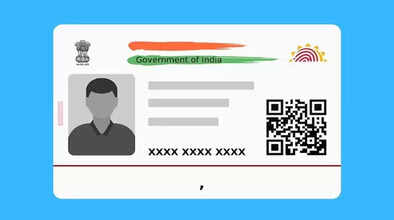
If you're tired of repeatedly visiting the Aadhaar center to update your Aadhaar card, no more hassles. UIDAI has provided significant relief to the general public by enabling the facility to update your mobile number from the comfort of your home through the new Aadhaar app. This means that you no longer have to endure the hassle of standing in long queues at the Aadhaar center to change your mobile number in Aadhaar. Not only will you be able to update your mobile number from the comfort of your home through the app, but it has also been clarified that no documents are required to update your mobile number.
This feature will be launched after the Aadhaar Mobile Number Update
The Unique Identification Authority of India (UIDAI) recently shared a post on the microblogging platform X, announcing that it will soon launch the facility to change your address from the comfort of your home. This makes it clear that after the launch of the mobile number update service, you will soon be able to access the address change service from the comfort of your home through the new Aadhaar app.
According to UIDAI, the system will authenticate users with an OTP sent to their existing or new mobile number, followed by a face authentication step using the Aadhaar app's built-in verification tools. This two-step process aims to maintain a high level of security while providing a simple and user-friendly experience. UIDAI also emphasized that this upgrade eliminates the need for physical documentation or center visits.
Android users can download and install the new Aadhaar app through the Google Play Store, and Apple users through the App Store. Once downloaded, open the app, select a language, and then enter your 12-digit Aadhaar number. After entering the Aadhaar number, the app will complete the verification using the OTP received on your mobile number. Next, complete the face scan authentication and create a 6-digit security PIN to protect your profile on the app.
Disclaimer: This content has been sourced and edited from TV9. While we have made modifications for clarity and presentation, the original content belongs to its respective authors and website. We do not claim ownership of the content.
