
Aadhaar card lost? Here’s how to download it again; learn the complete step-by-step process..
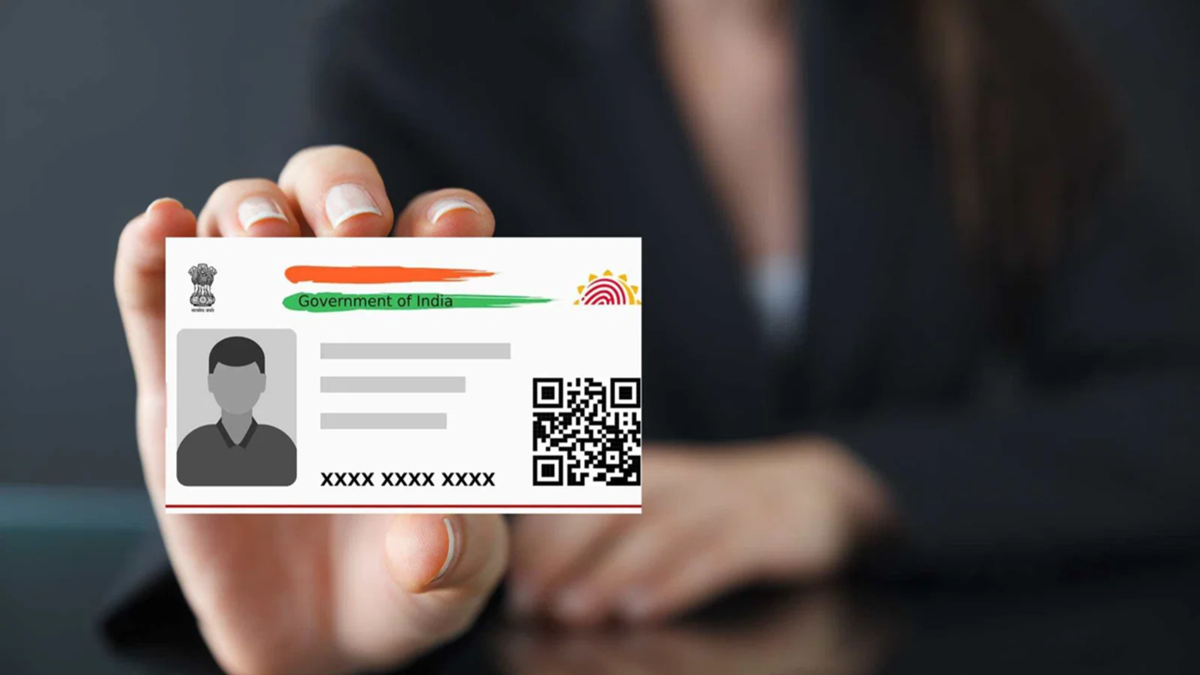
Lost Aadhaar Card: In this era of Digital India, the Aadhaar card has become one of the most important identity documents. It is required for everything from opening a bank account to availing benefits from government schemes. Naturally, it can be distressing if your Aadhaar card gets lost or stolen and you do not even have the number with you.
However, a facility provided by UIDAI proves very helpful in such situations. The Unique Identification Authority of India (UIDAI) allows citizens to retrieve their e-Aadhaar or PVC card without the Aadhaar number, using only their name and basic details. Let us look at the easiest ways to do this.
Download it yourself online.
If your Aadhaar is linked to a mobile number or email, you can re-download your Aadhaar from the comfort of your home using a smartphone or computer. To do this, follow the steps below:
Visit the official UIDAI 'MyAadhaar' portal (`myaadhaar.uidai.gov.in`).
Click on the "Retrieve Lost or Forgotten EID/UID" option on the homepage.
Select the "Aadhaar Number (UID)" option.
Enter your full name and registered mobile number or email ID.
Enter the Captcha code displayed on the screen and click on "Send OTP".
Enter the OTP received on your registered number and submit it.
Shortly after, your 12-digit Aadhaar number will be sent to your mobile via SMS.
Download e-Aadhaar
Once you receive the Aadhaar number, return to the portal's main page and click on "Download Aadhaar".
Enter your Aadhaar number and the Captcha code, then click "Send OTP".
As soon as you enter the OTP, the e-Aadhaar PDF file will be downloaded to your device.
How to open the PDF file
The downloaded PDF file is password-protected. The password consists of the first four letters of your name (in CAPITAL letters) followed by your year of birth (YYYY). If your name is AMIT KUMAR and your birth year is 1995, the file password will be AMIT1995.
**If your mobile number is not linked, here is the method:**
If your mobile number is not linked to Aadhaar or the number is no longer active, you still have two easy options. In such a situation, call UIDAI's toll-free helpline number, 1947. Provide basic details like your name, date of birth, and registered address to the customer care representative. Once the data is successfully matched, they will provide you with your Enrollment ID (EID) or Aadhaar number, allowing you to complete the subsequent process.
**You can also seek help from a nearby Aadhaar Seva Kendra:**
Alternatively, visit any nearby permanent Aadhaar enrollment center (Aadhaar Seva Kendra). Provide your name, date of birth, and address to the operator. The operator will verify your identity through biometric authentication (fingerprint or iris scan). Once your identity is verified, the operator will provide you with a printout of your Aadhaar card. A prescribed fee of ₹30 may be charged for this service.
**How to order a plastic Aadhaar card from the comfort of your home:**
If you wish to have an original, durable, and waterproof plastic (PVC) Aadhaar card delivered directly to your postal address, this facility is also available. To do this, follow the steps below:
Visit the MyAadhaar portal and click on the "Order Aadhaar PVC Card" option.
Enter your Aadhaar number.
If your mobile number is not linked, tick the box labeled "My Mobile number is not registered" and enter any active mobile number.
Complete the verification using the OTP sent to that new number and pay the online fee of ₹50.
Your PVC Aadhaar card will then be delivered directly to your home address via Speed Post within a few days.
Disclaimer: This content has been sourced and edited from NDTV India. While we have made modifications for clarity and presentation, the original content belongs to its respective authors and website. We do not claim ownership of the content
