
Aadhaar Card Lock: Lock your Aadhaar card online to prevent misuse, learn how
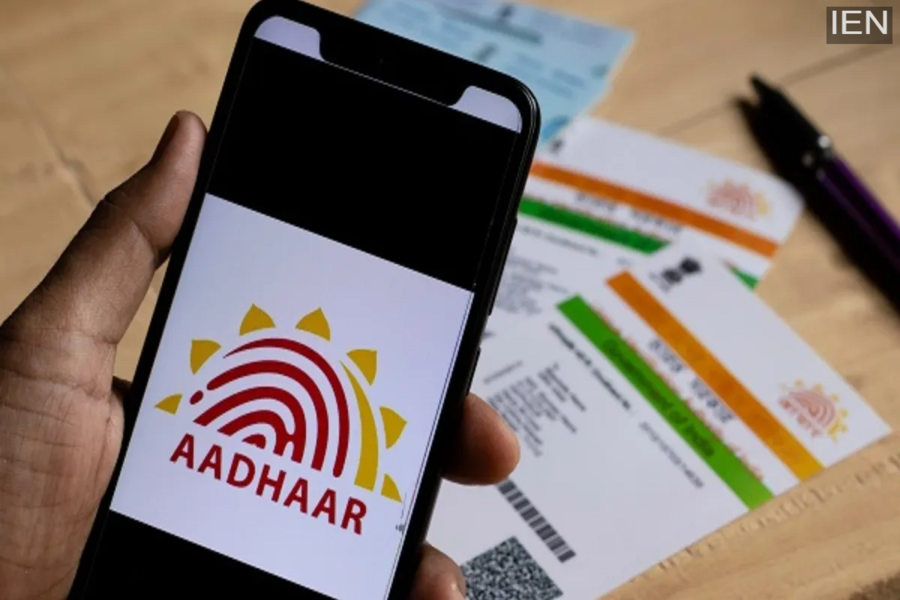
The Aadhaar lock feature allows users to stop or disable biometric authentication linked to their Aadhaar number.
Aadhaar Card Lock: Nowadays, Aadhaar cards are widely used in banking, mobile connections, and government services. In such a scenario, data misuse has become a common problem. The Unique Identification Authority of India (UIDAI) has provided a lock and unlock facility to Aadhaar users. This feature allows Aadhaar users to temporarily lock the use of biometric data linked to their Aadhaar.
Aadhaar Lock Feature
Once locked, fingerprints and iris scans are not available for verification. This means that no one can perform biometric verification or authentication using your Aadhaar card, even if they have your Aadhaar card number. This is especially useful if your Aadhaar card information has been shared in multiple places or if you want to prevent any misuse of your Aadhaar card.
Aadhaar Lock also reduces the risk of fraud
When the Aadhaar card's biometrics are locked, services that depend on biometric (fingerprint or iris) authentication become unavailable until unlocked. These include eKYC, SIM verification, and some banking services. This also reduces the risk of fraud due to identity theft and prevents the misuse of biometric data. Importantly, locking your Aadhaar does not cancel your Aadhaar number, and non-biometric services like PAN linking or document verification are not affected.
Learn how to lock biometrics from the UIDAI website:
Go to the UIDAI website: resident.uidai.gov.in/aadhaar-lockunlock
Then select the UID Lock radio button.
After that, enter your 12-digit Aadhaar number, full name, and PIN code.
Click on 'Send OTP', enter the OTP received on your registered mobile number, and submit. In this way, Aadhaar biometrics can be locked through the UIDAI self-service portal. Once verified, biometric authentication is immediately disabled, and there is no charge for this process.
