
Aadhaar App: Now add the Aadhaar cards of 5 family members to a single app; here is the step-by-step process..
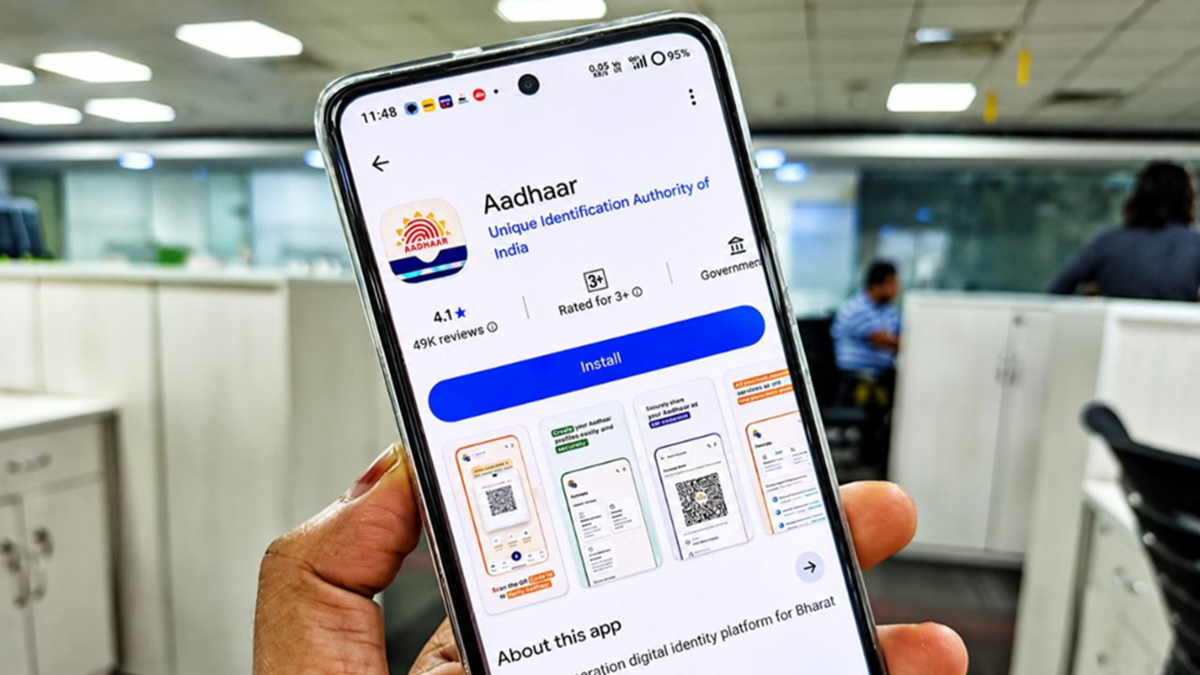
If you frequently need Aadhaar cards for multiple family members, the new Aadhaar App could prove very useful. With this app, you can securely store Aadhaar profiles for up to five family members on a single smartphone, eliminating the need to search for physical cards or carry photos every time. Here is the step-by-step process:
Step-1
First, download and install the new Aadhaar App on your smartphone. Then, log in to the app by entering your details.
Step-2
After logging in, go to the 'Profile' section of the app. Here, you will see an 'Add Profile' option. Tap on it and enter the 12-digit Aadhaar number of the family member whose profile you wish to add.
If you prefer not to type the number, you can add the profile by scanning the QR code on the Aadhaar card; this will automatically populate the necessary information in the app.
Step-3
While adding the profile, an OTP will be sent to the mobile number registered with the Aadhaar number you are adding. Once you enter the OTP, the profile will be successfully added to the app.
If you do not wish to use an OTP, you can verify the identity via Face Authentication. This option makes the verification process even easier.
What are the benefits?
Having Aadhaar profiles for multiple family members on a single smartphone allows for quick access to Aadhaar details whenever needed. This feature is particularly useful for families where one person handles government or banking-related tasks for other household members.
Disclaimer: This content has been sourced and edited from Amar Ujala. While we have made modifications for clarity and presentation, the original content belongs to its respective authors and website. We do not claim ownership of the content.
