
5G Speed Issue: Is the internet slow even on your 5G phone? Find out the reason and ways to boost the speed..
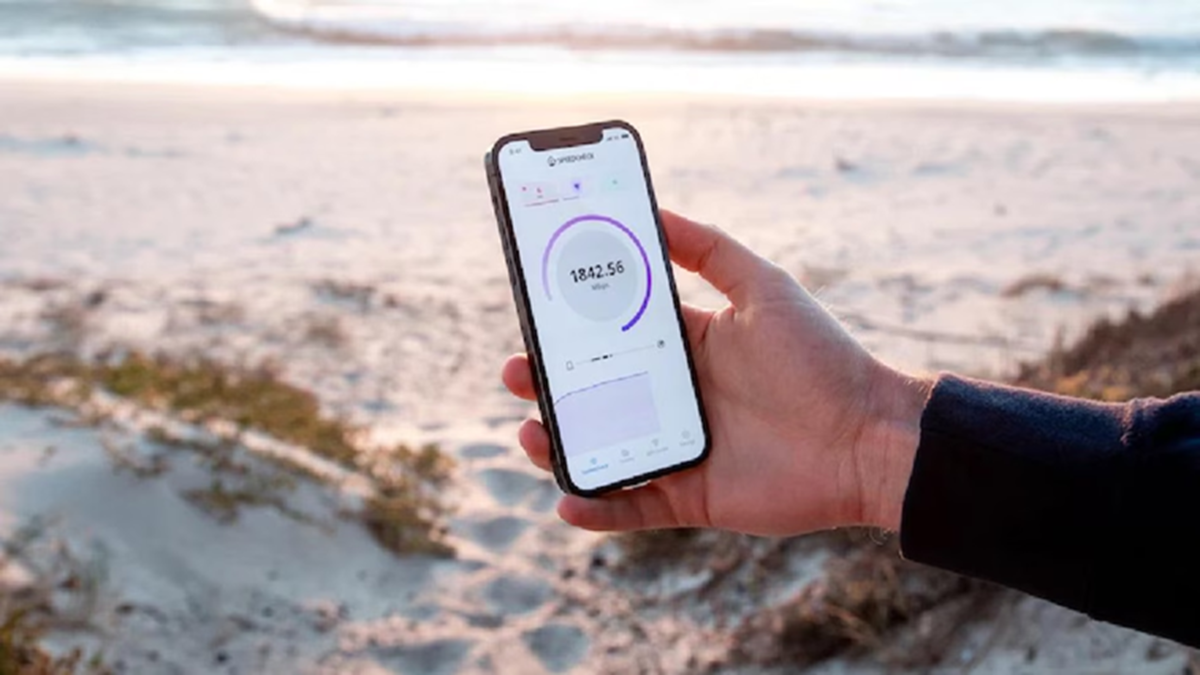
Slow Internet on 5G Phones: While the 5G rollout promised internet speeds far superior to and lightning-fast compared to 4G, the reality is that many users today still struggle with slow internet on their phones. If you experience constant buffering despite having 5G internet, the issue could stem from flaws in your phone or the network. Let’s explore how to resolve this problem.
First, let’s understand the seven reasons that slow down your 5G speed...
1. Network Congestion: In certain areas, a large number of people may be using the 5G network via a single mobile tower. This splits the available bandwidth. Consequently, the speed allocated to you drops significantly due to this "traffic jam."
2. Distance from the Mobile Tower: High-frequency 5G signals have a shorter range. If you are too far from the nearest 5G tower, the signal may weaken, causing a sudden drop in speed.
3. Thick Walls and Physical Obstacles: High-frequency 5G waves struggle to penetrate thick concrete walls, glass, or closed doors. This is why superfast internet that works well in open spaces often slows down once you step indoors.
4. Issues with Non-Standalone Technology: In many parts of India, 5G networks rely on existing 4G infrastructure. As a result, your phone frequently switches between 4G and 5G networks, which can impact connectivity and speed.
5. Data-Draining Background Apps: Did you know that several resource-heavy apps running silently in the background consume data continuously? Not only do these consume your phone's battery, but background data usage also significantly slows down your active downloading or browsing speeds.
6. Exhaustion of daily data limit: Often, companies automatically drastically reduce internet speeds once the allocated daily high-speed data quota is exhausted, causing the 5G connection—which feels limitless—to suddenly slow down.
7. Outdated software: If you haven't updated your smartphone's operating system for a long time, the old software may fail to sync properly with new network protocols, weakening the device's ability to receive the network signal.
Try these simple solutions if your 5G connection is slow.
If you are frustrated with slow internet, following these simple steps can help resolve the issue to a great extent.
First, check the 5G network settings
Go to your phone's settings, open the 'Cellular' or 'Mobile Network' section, and ensure that the 5G network mode is selected.
Restart your phone
Often, simply restarting the phone resolves temporary network-related issues and allows the internet to function normally again.
Close background apps
Open the app switcher and close any apps that are continuously using data in the background. This reduces the load on both the network and the system.
Clear phone and app cache
Cache accumulated over time can affect phone performance and app speeds. Therefore, clearing the cache periodically is beneficial.
Install software updates
Make sure to install the latest software updates available for your phone. New updates often include bug fixes, network optimizations, and performance improvements that can enhance your 5G experience.
Disclaimer: This content has been sourced and edited from Amar Ujala. While we have made modifications for clarity and presentation, the original content belongs to its respective authors and website. We do not claim ownership of the content.
