
5G: How much battery does turning off 5G on a 5G phone save? Most people don't know..
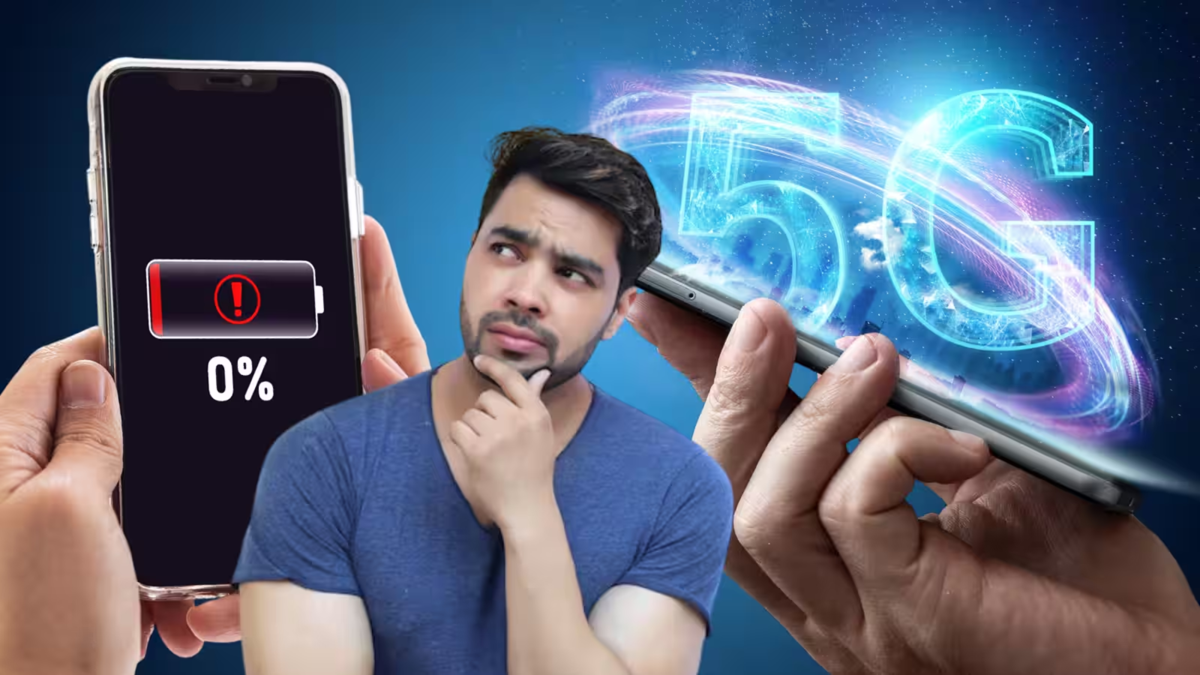
The high-speed internet provided by 5G networks has significantly changed the way we use smartphones. Thanks to fast downloading, low latency, and superior connectivity, a large number of people are using 5G phones today. However, many users complain that keeping 5G enabled drains the battery quickly. This raises the question: can battery consumption be reduced by turning off 5G and using only 4G LTE?
Turning off 5G can indeed save battery life, though the extent of the saving varies depending on the phone and the network. If the 5G signal in your area is weak or your phone constantly searches for a 5G network, it places a greater strain on the battery. In such situations, switching to 4G requires less effort for the phone to maintain a network connection, whereas 5G usage increases power consumption.
How much battery can be saved?
With normal usage, turning off 5G can save approximately 5% to 15% of battery life. However, this is not a fixed figure; the difference might be negligible in some cases, while in areas with poor 5G coverage, the savings could be more noticeable.
If you frequently use the internet for activities like video streaming, downloading large files, or using a hotspot, 5G may consume significantly more power. Conversely, for routine tasks such as calling, using WhatsApp, social media, and web browsing, the difference in battery consumption between 4G and 5G may be minimal.
When is it beneficial to turn off 5G?
If 5G coverage is poor at your home, office, or along your daily commute, switching to 4G LTE is a better option. This is especially true if your phone frequently switches between 5G and 4G networks, as this constant switching can significantly increase battery drain.
How do you turn off 5G on your phone?
First, go to your Android phone's Settings.
Navigate to Mobile Network/SIM and then to Preferred Network Type.
Next, select 4G/LTE instead of 5G.
On an iPhone, go to Settings > Mobile Service/Mobile Data > Mobile Data Options > Voice & Data and select LTE.
So, if your mobile battery is draining quickly and you don't need 5G, use 4G for the time being.
Disclaimer: This content has been sourced and edited from Dainik Jagran. While we have made modifications for clarity and presentation, the original content belongs to its respective authors and website. We do not claim ownership of the content.
