
5 Effective Ways to Secure Your Facebook Account and Keep Your Personal Data Safe
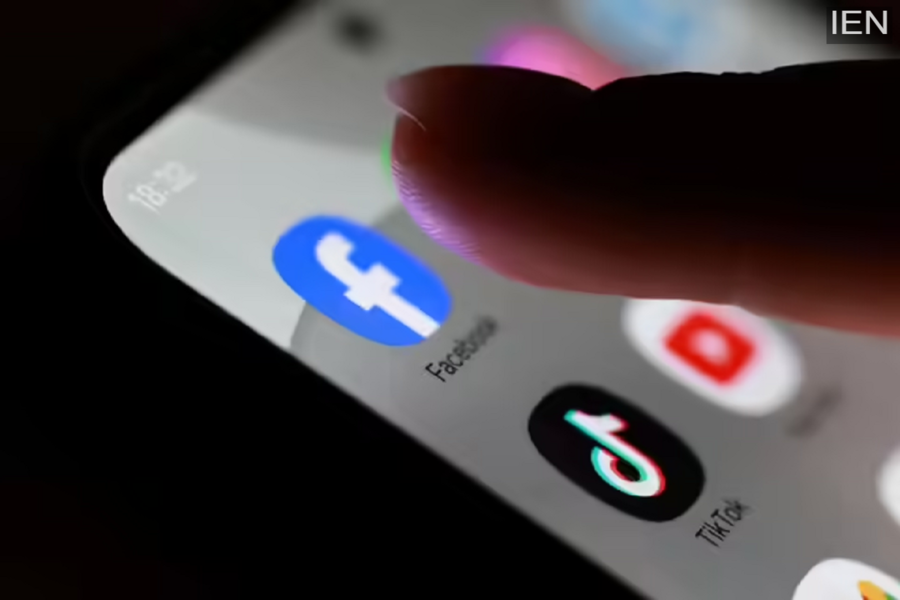
As our lives become increasingly digital, social media platforms like Facebook play a central role in how we communicate, share memories, and stay connected. While this convenience is undeniable, it also comes with growing risks related to privacy breaches, hacking attempts, and unauthorized access. Protecting your Facebook account is no longer optional—it is essential for safeguarding your personal data, mental well-being, and online identity.
To help users stay secure in today’s fast-evolving digital environment, here are five practical and effective ways to strengthen your Facebook account security and protect your data from misuse.
1. Enable Two-Factor Authentication and Monitor Login Activity
One of the most powerful ways to secure your Facebook account is by enabling two-factor authentication (2FA). This feature adds an extra layer of protection by requiring a verification code in addition to your password whenever someone tries to log in from a new device or location.
Once activated, even if someone manages to obtain your password, they won’t be able to access your account without the second verification step. Facebook allows you to receive these codes via SMS, authentication apps, or security keys.
In addition, users should enable alerts for unrecognized logins. These notifications inform you instantly if your account is accessed from an unfamiliar device or location, allowing you to take quick action if something seems suspicious.
2. Lock Your Facebook Profile for Enhanced Privacy
Facebook’s Profile Lock feature is especially useful for users who want to restrict access to their content. When your profile is locked, people who are not on your friends list cannot view your photos, posts, or stories in full size.
This feature helps prevent strangers from downloading your photos or misusing your personal information. Once enabled, only your friends can interact with or view your timeline content, offering greater control over who sees your digital footprint.
Profile Lock is particularly effective for users concerned about online stalking, identity misuse, or privacy breaches.
3. Control Who Can See Your Posts Using Audience Selector
Facebook allows users to customize the visibility of every post using the Audience Selector tool. Before posting a status update, photo, or video, you can choose whether the content is visible to the public, friends only, or a specific group of people.
This feature is extremely useful for separating professional and personal content. For example, you may want friends to see personal updates while restricting visibility from colleagues or acquaintances.
Regularly reviewing your default audience settings ensures that future posts are shared only with the intended audience, reducing the risk of oversharing.
4. Review Tagged Posts Before They Appear on Your Timeline
Being tagged in posts you didn’t approve of can be uncomfortable and damaging to your online image. Facebook’s Timeline Review feature allows you to approve or reject posts in which you are tagged before they appear on your profile.
Once enabled, Facebook will notify you whenever someone tags you in a post. You can then decide whether it should appear on your timeline. This gives you greater control over your public image and prevents unwanted or inappropriate content from being displayed on your profile.
5. Manage, Archive, or Delete Old Facebook Posts
As life changes—new jobs, relationships, or personal milestones—old posts may no longer reflect who you are today. Facebook’s Manage Activity feature allows users to bulk archive or delete old posts easily.
Archived posts remain hidden from others but are still accessible to you, while deleted posts are moved to the trash for 30 days before permanent removal. This feature is especially helpful for cleaning up your digital history without manually deleting posts one by one.
Regularly reviewing your past activity can help maintain a clean and professional online presence.
Why Facebook Security Matters More Than Ever
With rising cases of cyber fraud, data leaks, and account takeovers, protecting your social media accounts has become critical. A secured Facebook account not only safeguards your personal information but also prevents misuse that could affect your reputation and emotional well-being.
By implementing these five security measures, users can significantly reduce the risk of unauthorized access and enjoy a safer, more controlled social media experience.
