
CBSE Board 12th Result: Major Update from DigiLocker Regarding CBSE Class 12 Results; Release Imminent
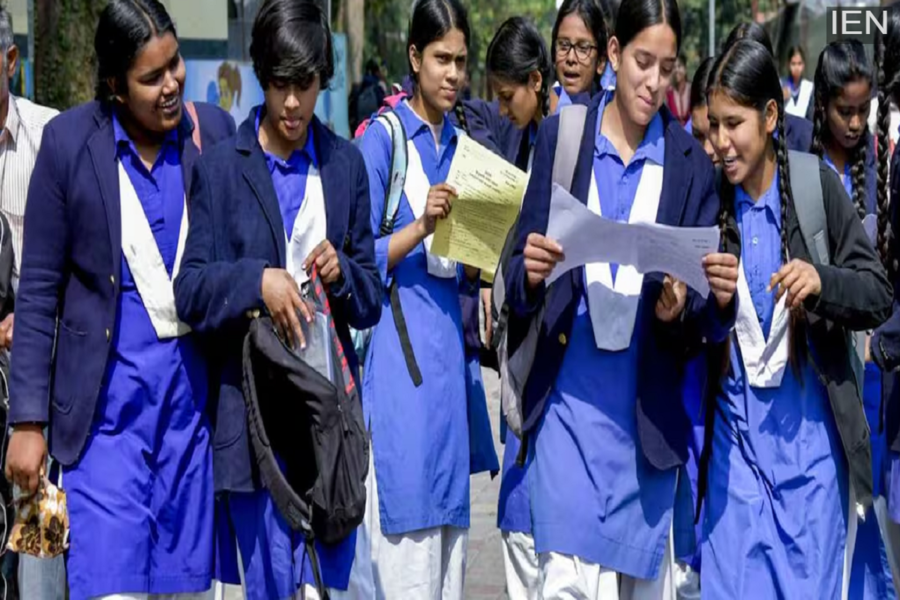
CBSE Board 12th Result: A recent update has appeared on the DigiLocker portal, displaying the text "Coming Soon." This indicates that the process for releasing the CBSE results has officially commenced.
CBSE Board 12th Result: The Central Board of Secondary Education (CBSE) is set to announce the results for the Class 12 Board Examinations (2026) very shortly. These results hold immense significance for students, as they determine the trajectory of their future academic pursuits and career paths. A recent update on the DigiLocker portal now displays the message "Coming Soon," signifying that the result publication process by CBSE has already begun. Based on trends observed in previous years' results, it is estimated that the results may be released on May 12 or May 13, 2026. However, the Board has not yet issued any official date or specific time for the release.
Where can you check the results?
1. You can check the results on the official CBSE websites: cbse.gov.in, results.cbse.nic.in, and results.cbse.gov.in.
2. Verified copies of the results and digital mark sheets will be available on the DigiLocker portal. Students can download and securely save these documents for their records.
3. The CBSE Class 12 results can also be checked via the UMANG app.
How to check the CBSE Class 12 results online?
1. To check the CBSE Class 12 results for 2026, first visit the official CBSE websites: cbse.gov.in, results.cbse.nic.in, or results.cbse.gov.in.
2. Once the window opens, click on the "CBSE 12th Result 2026" link.
3. Now, enter the required details, such as your Roll Number, School Number, and Admit Card ID.
4. As soon as you fill in the details, your CBSE Class 12 result will appear on the screen. 5. Check your CBSE Class 12 Result 2026, download it, and you may also take a printout.
How to Check CBSE Class 12 Results on DigiLocker?
1. Checking results on DigiLocker is very easy. To do so, visit results.digilocker.gov.in or open the DigiLocker app.
2. Log in using your registered mobile number or the credentials linked to your Aadhaar card.
3. Here, you will find the link for the CBSE Class 12 Result 2026 or the Class XII Marksheet.
4. Enter details such as your Roll Number, School Code, and Admit Card ID.
5. Your digital result will now appear on the screen. Download and save it.
Checking Results via the UMANG App
1. Checking results on the UMANG app is also very simple. Download and install the UMANG app from the App Store or Play Store.
2. Navigate to the 'Services' section and click on 'CBSE'.
3. Log in using an OTP or MPIN via your registered mobile number.
4. Enter your Registration Number and other necessary details.
5. Upon submission, your CBSE Class 12 Result will be displayed on the screen.
What to Do If a Student Fails?
According to CBSE regulations, to pass the Class 12 Board Examinations, a student must secure a minimum of 33 percent marks in both the theory and practical components. If a student fails in any subject, there is no need to panic. The Board offers options to address this situation; students can appear for a 'Compartment Examination' to pass the failed subjects. This examination is typically conducted in July, following the declaration of the results. If a student has passed but is not satisfied with their marks, they can attempt an 'Improvement Examination' to enhance their scores.
