
AFCAT 2 Answer Key: Provisional answer key for the AFCAT-2 exam released; here’s how to check your answers and estimate your score..
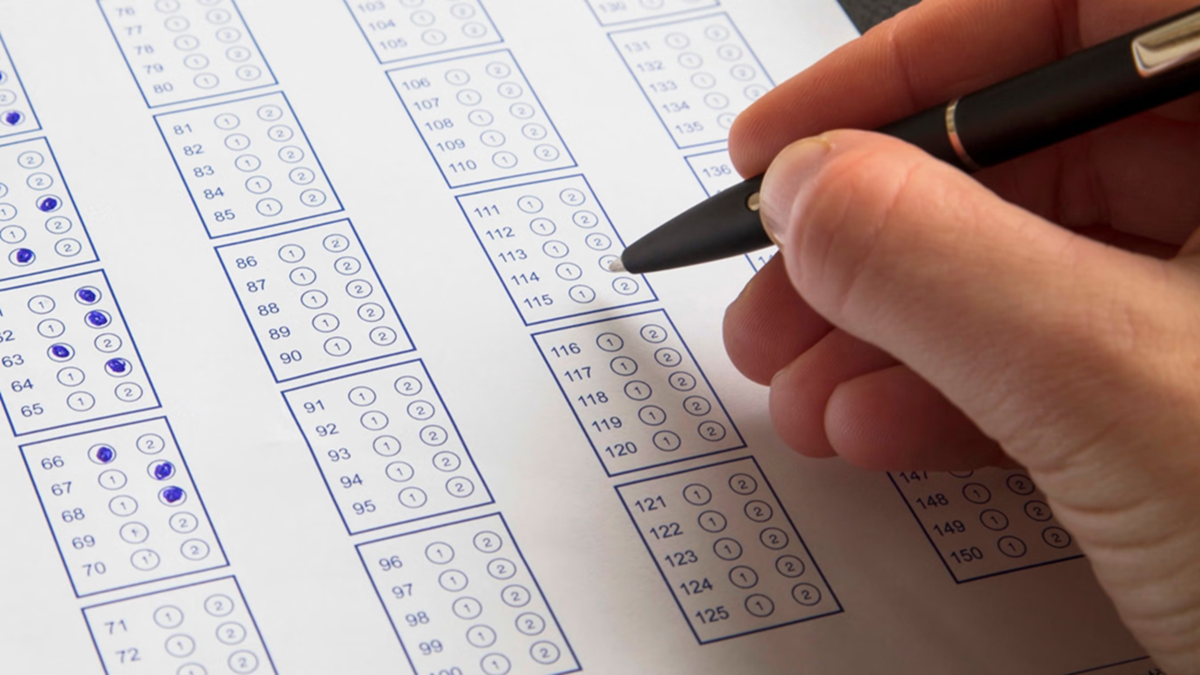
AFCAT 2 Answer Key 2026: The Indian Air Force has released the answer key for the AFCAT 2 exam 2026. Candidates who appeared for the AFCAT exam held on August 8, 2026, can now cross-check their answers against the answer key. This will allow candidates to estimate their probable marks. To view and download the answer key, candidates must visit the official Indian Air Force website at afcat.edcil.co.in. Here, they can download the answer key by entering their User ID and password.
Recruitment for 379 Posts
Under this recruitment drive, a total of 379 posts will be filled across the Flying and Ground Duty (Technical and Non-Technical) branches of the Indian Air Force. This drive is being conducted to select eligible candidates for these positions.
The online portal for raising objections regarding the answer key opened on August 11, 2026, at 11:00 AM. Candidates can submit objections against any errors or discrepancies in the answer key within the stipulated timeframe.
How to Calculate Probable Marks
First, open the AFCAT 2 answer key and your response sheet. Next, compare your answers with the answer key. Add 3 marks for every correct answer and deduct 1 mark for every incorrect answer. No marks will be added or deducted for unanswered questions. Finally, subtract the negative marks for incorrect answers from the total marks obtained for correct answers. The resulting figure will be your probable score.
How to Raise an Objection
First, visit the official website at afcat.edcil.co.in.
Click on 'AFCAT 02/2026 Candidate Login'.
Log in using your registered email ID and password.
Open the 'Answer Key/Response Sheet' section in the dashboard.
Select the question for which you wish to raise an objection.
Enter the reason for your objection from the given options and upload the necessary proof or documents. Pay the prescribed objection fee, if applicable.
Click on 'Submit Objection' after verifying all the information.
Disclaimer: This content has been sourced and edited from Amar Ujala. While we have made modifications for clarity and presentation, the original content belongs to its respective authors and website. We do not claim ownership of the content.
